
UXPressia
- Freemium
- Web
- AI Tools for Customer Experience
- Free plan available
- No credit card
What is UXPressia?
Key features
Journey map templates
Pre-built starting points for common scenarios, reducing time spent on initial setup
Team collaboration
Real-time editing and commenting so multiple team members can contribute simultaneously
Centralised project library
Store all journey maps in one place for easy access and version control
Customisable mapping canvas
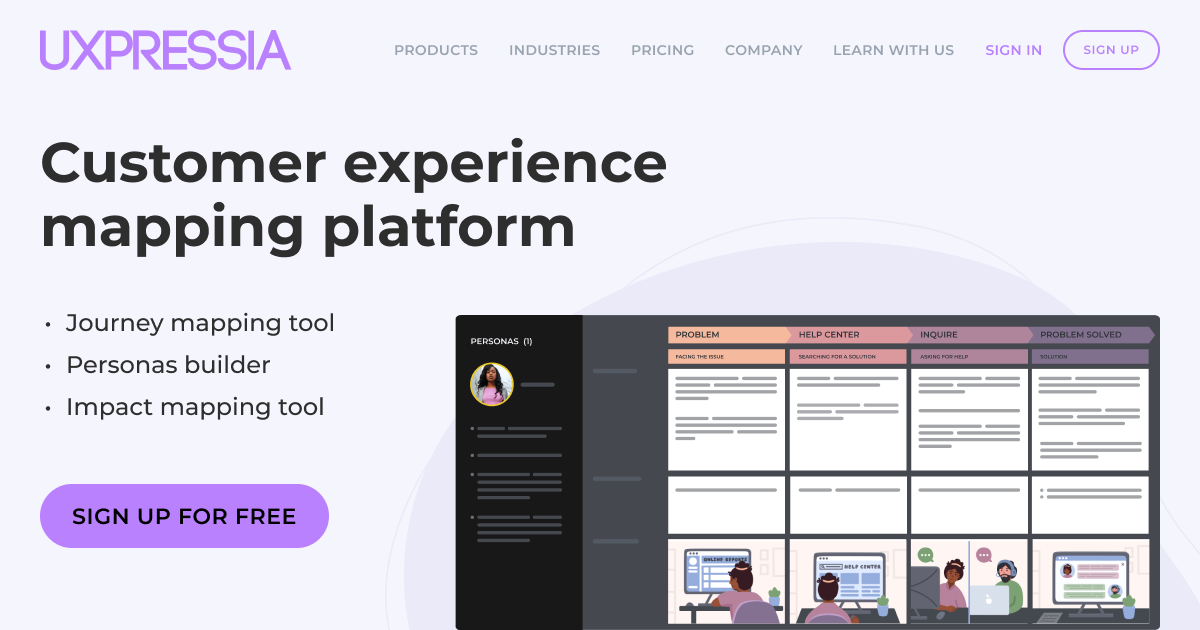
Adjust stages, actors, touchpoints, and emotional arcs to fit your specific needs
Export and sharing options
Generate shareable outputs for presentations and stakeholder reviews
Pros & cons
Advantages
- Purpose-built for journey mapping rather than a general-purpose tool, so workflows are tailored to the task
- Freemium model lets you explore the platform with basic mapping before committing to paid plans
- Designed for team use, so collaboration and feedback loops are built in from the start
- Reduces duplicated effort by maintaining a single source of truth for journey maps across your organisation
Limitations
- Learning curve for teams new to formal journey mapping; the tool assumes some familiarity with the practice
- Pricing for larger teams or advanced features may add up if you need multiple paid seats
Use cases
Mapping customer journeys for a digital product to identify problem and opportunities for improvement
Documenting the end-to-end experience for a service business to align teams around customer needs
Creating multiple scenario maps (e.g. happy path vs. problem resolution) and managing them centrally
Sharing journey insights with stakeholders and executives who need a clear visual of the customer experience
Running workshops where cross-functional teams collaborate on mapping in real time
Ready to try UXPressia?
Pricing
Pro
Contact for pricing
Unlimited projects; advanced collaboration and permissions; priority support
Enterprise
Contact for pricing
Dedicated account management; custom integrations; single sign-on
Get started with UXPressia
Click through to UXPressia and start using it now.
- Free plan available
- No credit card