veroHQ.ai
The AI-powered command center that replaces Jira, Excel, and fragmented chat groups with one autonomous source of truth.
- Freemium
- Web
- AI Team Collaboration ToolsOther
- Free plan available
- No credit card
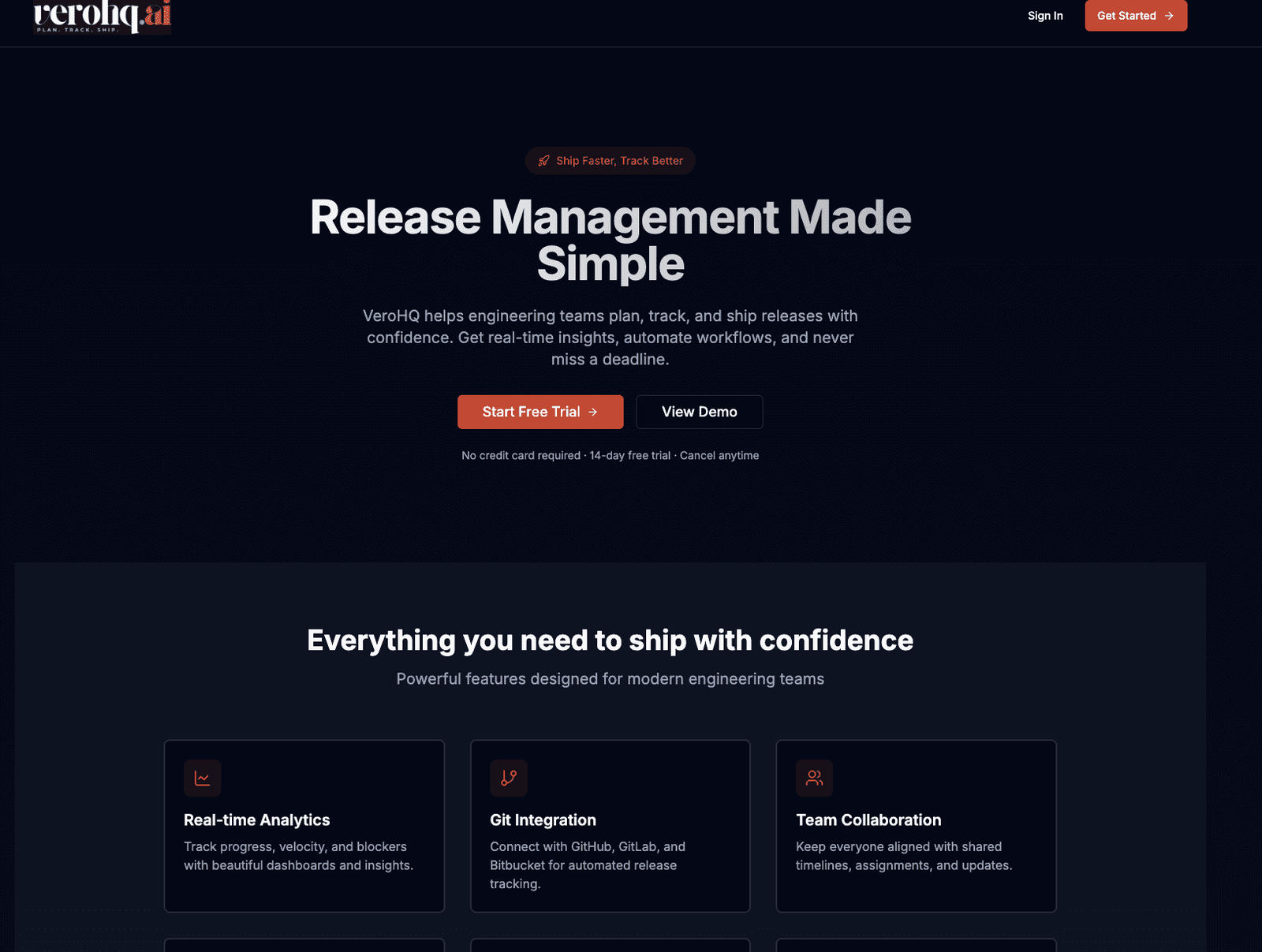
What is veroHQ.ai?
Key features
Centralised project dashboard
Consolidates tasks, timelines, and progress from multiple sources into one view
AI-powered automation
Handles routine updates, status changes, and information gathering without manual intervention
Integrated communication
Replaces fragmented chat conversations by keeping discussion and decisions tied to specific work items
Data organisation
Provides structure similar to spreadsheets but with built-in logic and relationships between items
Real-time visibility
Gives team members and stakeholders current status without asking for manual updates
Pros & cons
Advantages
- Reduces tool sprawl by replacing multiple platforms with one interface, cutting down switching costs
- AI automation saves time on status updates and routine administrative tasks
- Freemium model lets small teams or individuals start without upfront cost
- Centralised information reduces miscommunication caused by information living in different systems
Limitations
- Adoption requires teams to migrate from established workflows in Jira, Excel, and Slack, which can face resistance
- AI-driven automation may require careful configuration to avoid incorrect updates or suggestions
Use cases
Managing cross-functional projects where team members normally check Jira, spreadsheets, and chat simultaneously
Startups that want to avoid paying for multiple tools whilst maintaining project clarity
Teams switching from manual status reporting to automated tracking
Organisations looking to reduce meeting time by maintaining current project visibility in one place
Ready to try veroHQ.ai?
Pricing
Free
Free
Basic project tracking, limited AI automation, core centralisation features for small teams
Paid tiers
Pricing not publicly specified
Full AI automation, advanced integrations, priority support, and additional workspace capacity
Get started with veroHQ.ai
Click through to veroHQ.ai and start using it now.
- Free plan available
- No credit card