
Vibe Manager-MCP syn
Sync AI coding configs across Claude, Cursor & Codex
- Free plan available
- No credit card
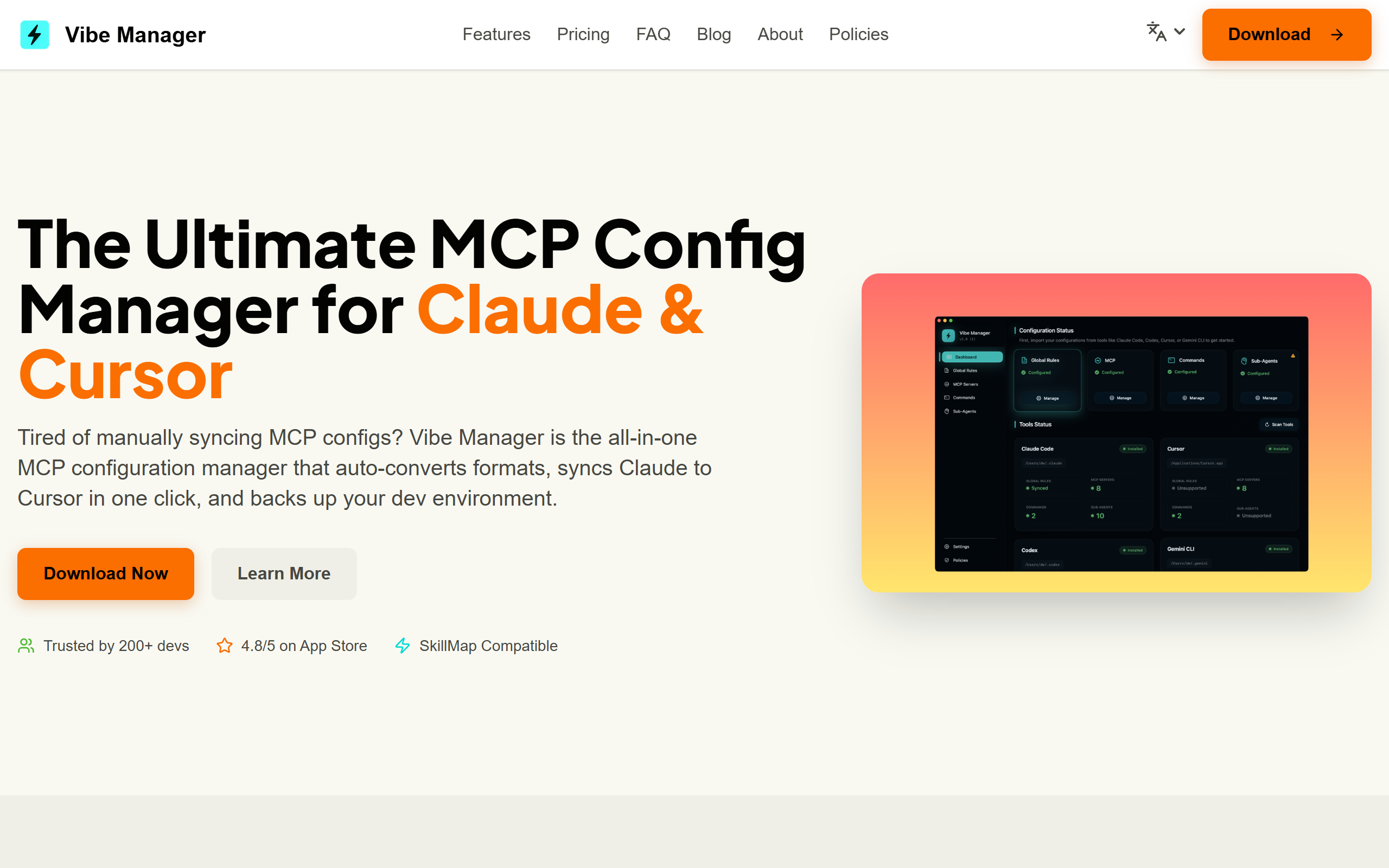
What is Vibe Manager-MCP syn?
Key features
Cross-platform config sync
synchronise your coding configurations across Claude, Cursor, and Codex from a single interface
Settings preservation
maintain consistent code style, formatting rules, and preferences across all three AI assistants
Version control
track changes to your configurations and revert to previous versions if needed
Profile management
create and switch between different coding profiles for different projects or teams
One-click deployment
apply configuration updates across all connected tools simultaneously
Pros & cons
Advantages
- Saves time by eliminating repetitive configuration setup across multiple AI coding tools
- Ensures consistency in coding standards and style across your entire development workflow
- Freemium model allows you to try the tool without initial investment
- Centralised management reduces the cognitive load of remembering settings for each platform
Limitations
- Limited to three specific AI assistants, so usefulness depends on whether you actually use all three
- Synchronisation reliability depends on each platform maintaining compatible APIs and update compatibility
Use cases
Developers working on teams that use different AI coding assistants and need consistent formatting standards
Switching between Claude, Cursor, and Codex depending on project type or availability
Maintaining multiple coding profiles for different projects with distinct style requirements
Ensuring code review standards remain consistent regardless of which AI assistant generates initial drafts
Ready to try Vibe Manager-MCP syn?
Pricing
Get started with Vibe Manager-MCP syn
Click through to Vibe Manager-MCP syn and start using it now.
- Free plan available
- No credit card