
vidBoard
Turn documents, URLs, and text into multilingual AI avatar presenter videos with a drag-and-drop editor
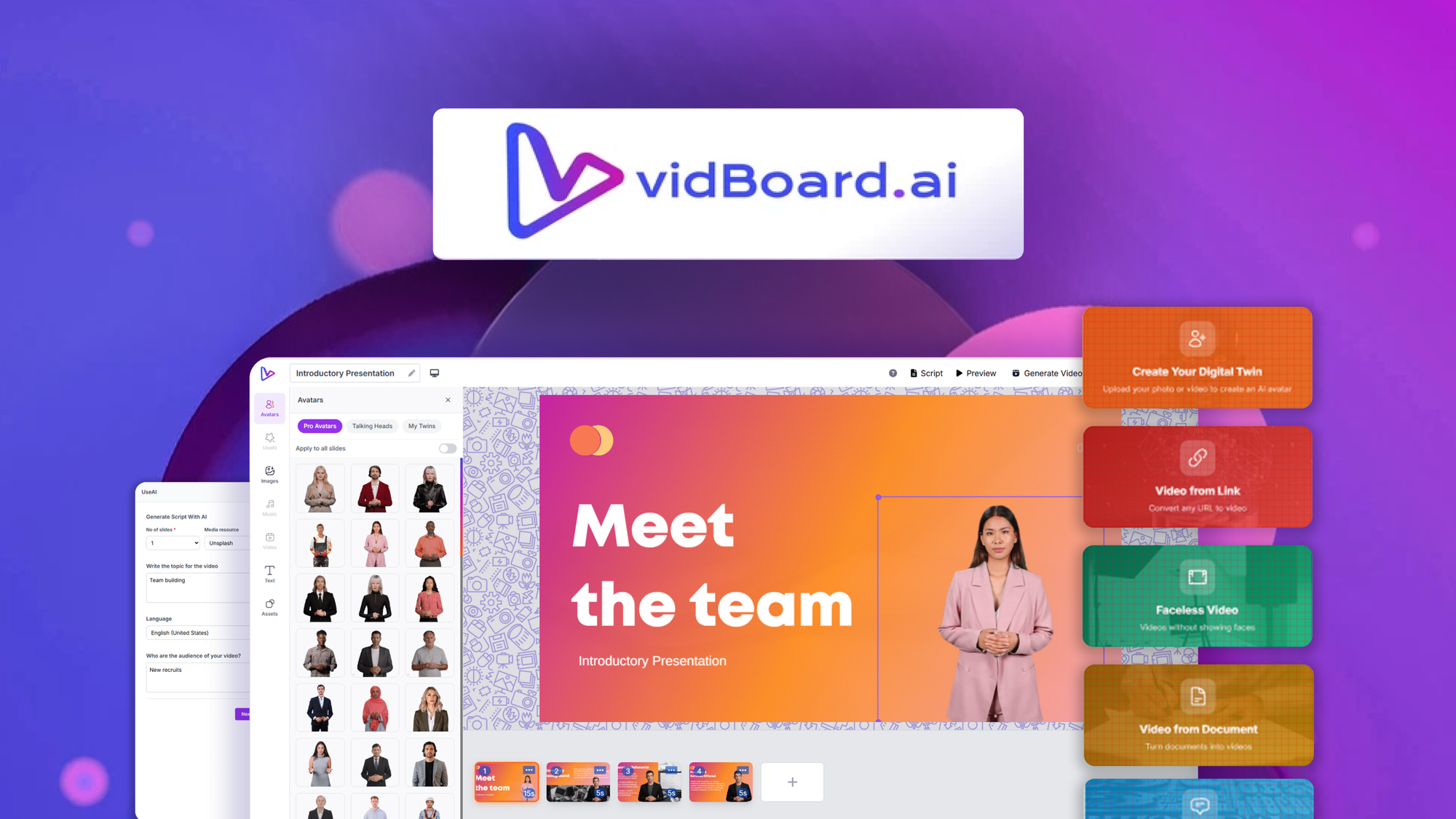
What is vidBoard?
Key features
Drag-and-drop video editor
arrange content and customise layouts without technical knowledge
Multiple input formats
upload documents, paste URLs, or type text directly into the tool
AI avatar presenters
video characters deliver your content in a range of voices and languages
Multilingual support
create videos in different languages from the same source content
Content-to-video automation
minimises manual video creation work by converting text into visual presentations
Pros & cons
Advantages
- Quick way to repurpose existing content into video format
- No need to film yourself or manage video production
- Accessible to people without video editing experience
- Supports multiple languages, useful for international audiences
Limitations
- AI avatar videos may feel less personal than human presenters, which could affect engagement in some contexts
- Quality and naturalness of the AI presenter depends on the tool's underlying technology and voice synthesis
- Limited control over how the avatar presents the material compared to traditional video production
Use cases
Creating training and onboarding videos for employees
Converting blog posts or articles into video content for social media
Producing product demonstration videos from written descriptions
Generating multilingual explainer videos without re-recording for each language
Building internal communications or announcements in video format
Ready to try vidBoard?
Pricing
Free
Free
Limited access to create basic videos with restrictions on video length, avatar selection, or export options
Paid Plans
Varies (available on AppSumo)
Full access to features including longer videos, more avatar options, multilingual support, and higher quality exports. Specific pricing available through AppSumo or the vendor's website.
Get started with vidBoard
Click through to vidBoard and start using it now.