
VideoScribe
Whiteboard animation software for making hand-drawn explainer and marketing videos without design skills.
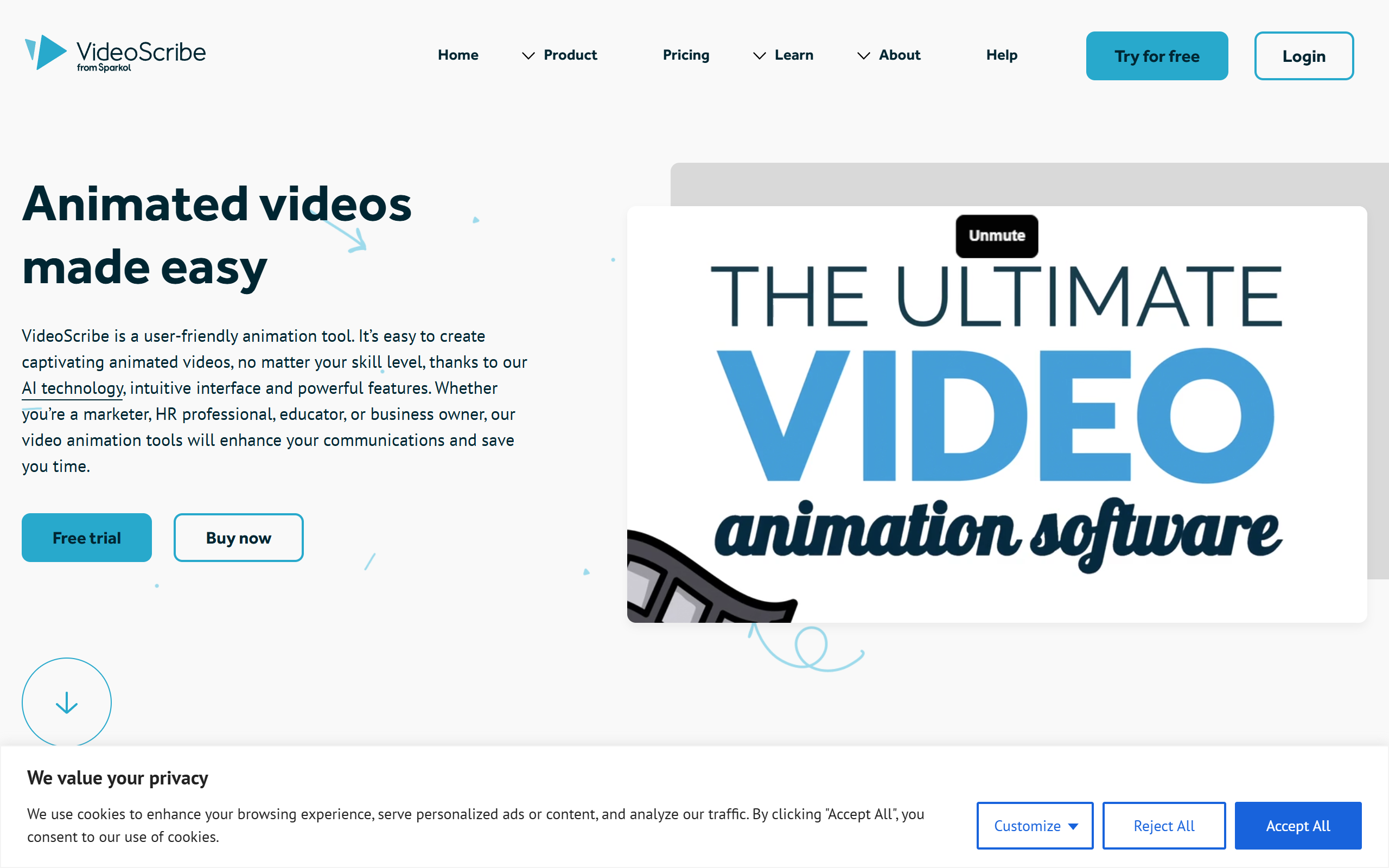
What is VideoScribe?
Key features
AI generation
Create scripts, source images and produce voiceovers with built-in AI tools.
Image library
Access thousands of royalty-free images, illustrations and customisable characters.
Animation styles
Apply draw, pulse, spin, shake, bounce and fade effects to elements.
Drawing hand options
Choose and customise the drawing hand that sketches content on screen.
Timeline and camera controls
Structure videos by scene with camera positioning and zoom on an advanced timeline.
Audio editing
Add music from the library and edit audio alongside the animation.
Export formats
Output videos as Full HD 1080p MP4 or GIF in square, landscape or portrait shapes.
Pros & cons
Advantages
- Designed for non-designers, so users can build animated videos without prior animation experience.
- Large library of images, illustrations and characters reduces the need to source assets elsewhere.
- Browser and desktop apps keep projects synced, allowing work across different devices.
- A 7-day free trial is offered with no credit card required.
- Pre-built templates across several industries give a starting point for common video types.
Limitations
- The free trial limits output to 3 watermarked downloads and videos of up to 5 minutes.
- Lower tiers cap monthly downloads and video length, and apply watermarks to premium images on the Lite plan.
- AI image, script and voiceover allowances are metered per month and vary significantly by plan.
- The hand-drawn whiteboard style is a specific aesthetic that may not suit every type of video project.
Use cases
Marketers producing animated explainer videos to introduce products or services.
Trainers and educators creating lesson and training content with a hand-drawn visual style.
Businesses communicating ideas internally or externally through scripted animated videos.
Resellers on the Max plan creating videos for clients under reseller rights.
Content creators turning written scripts into short social videos in square, landscape or portrait formats.
Agencies needing multiple licences with quantity and volume discounts for teams.
Ready to try VideoScribe?
Pricing
Free Trial
Free
7 days, 3 video downloads, videos up to 5 minutes, watermarked output, no credit card required.
Lite
10.83 GBP per month (130 GBP per year)
5 monthly downloads, videos up to 5 minutes, 9,000+ assets, watermarks on premium images only, 5 AI image generations and 2 minutes of AI scripts per month.
Core
14.58 GBP per month (175 GBP per year)
30 monthly downloads, videos up to 10 minutes, 5M premium assets, no watermarks, preview links, 20 AI image generations, 75 minutes of voiceovers and 30 minutes of scripts per month. Multi-licence quantity discounts.
Max
20.00 GBP per month (240 GBP per year)
Unlimited downloads, videos up to 20 minutes, reseller rights, custom fonts, 100 AI image generations, 150 minutes of voiceovers and 150 minutes of scripts per month. Volume discounts.
Get started with VideoScribe
Click through to VideoScribe and start using it now.