
Video to Text AI Transcription
Video to Text AI Transcription
- Freemium
- Web
- AI Tools for JournalistsVideoWriting
- Free plan available
- No credit card
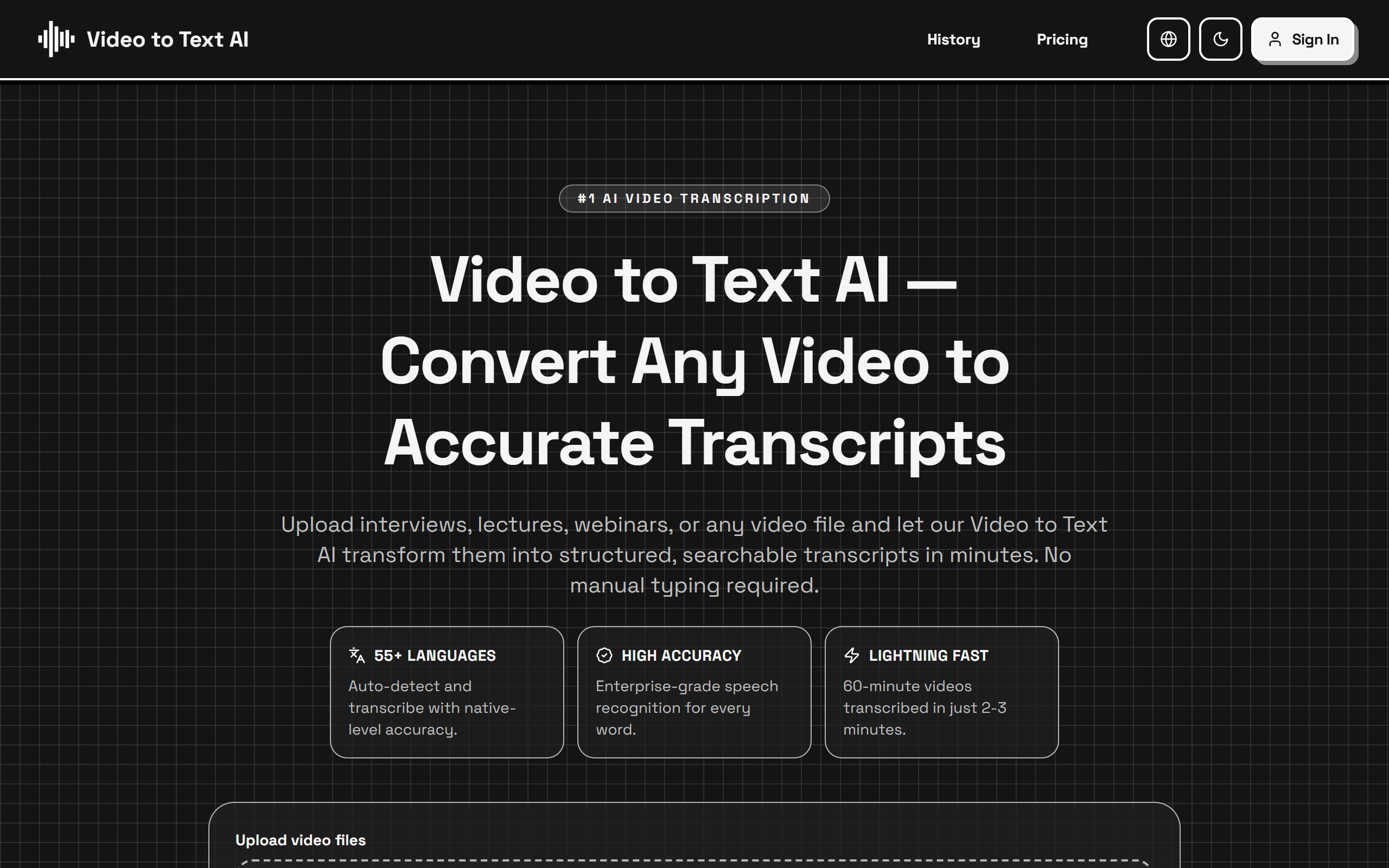
What is Video to Text AI Transcription?
Key features
Multi-language support
Transcribes content in 55+ languages with automatic language detection
Fast processing
Converts videos and audio to text transcripts in minutes
High accuracy
Uses advanced AI models to ensure accurate transcription of spoken content
Multiple file format support
Accepts various video and audio formats for transcription
Free tier availability
Core transcription features available without paid subscription
Searchable transcripts
Generated text is searchable and editable for easy reference
Pros & cons
Advantages
- Free to use with no watermarks or credit card required for basic transcription
- Supports 55+ languages covering a wide global audience
- Quick turnaround time with AI-powered processing
- User-friendly interface requiring minimal technical knowledge
- Accessible transcripts improve SEO and content discoverability
Limitations
- Free tier likely has limitations on file size, duration, or monthly transcription minutes
- Accuracy may vary depending on audio quality, accents, and background noise
- Premium features may be required for advanced editing, speaker identification, or API access
Use cases
Podcasters creating searchable episode transcripts for accessibility and SEO
Content creators generating captions and transcripts for video platforms
Researchers transcribing interviews and focus group recordings for analysis
Journalists converting audio interviews and recordings into written articles
Businesses documenting meetings, webinars, and training sessions for records and accessibility
Ready to try Video to Text AI Transcription?
Pricing
Free
Free
Basic transcription in 55+ languages, limited monthly usage, standard processing speed
Premium
Contact for pricing
Higher monthly transcription limits, priority processing, advanced editing features, API access
Get started with Video to Text AI Transcription
Click through to Video to Text AI Transcription and start using it now.
- Free plan available
- No credit card