
Vidflux.ai
Create short videos from text, images, clips.
- Always free
- No credit card
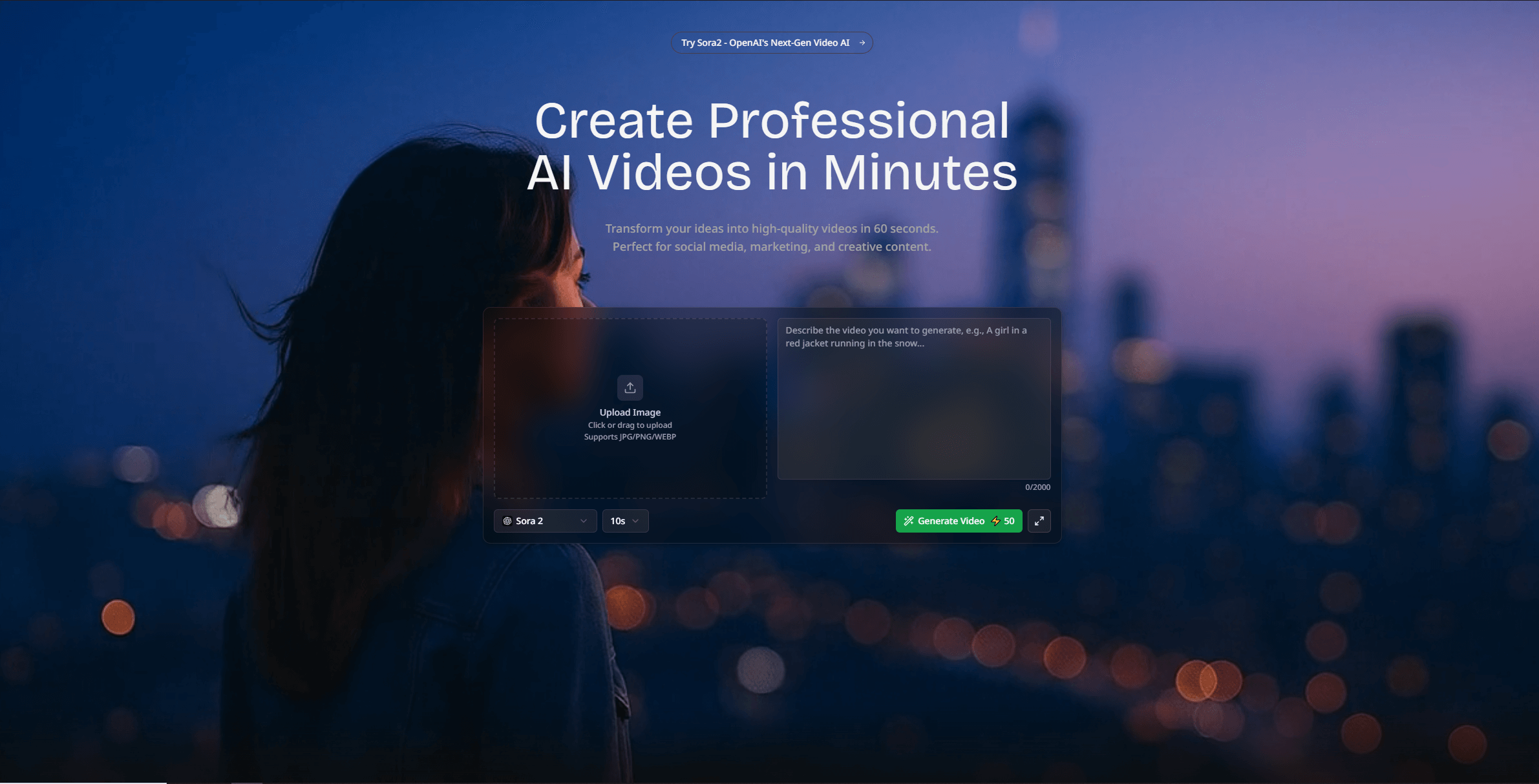
What is Vidflux.ai?
Key features
Text-to-video conversion
transforms written scripts or text into video sequences
Image compilation
combines multiple images into video format with transitions
Clip editing
takes existing video footage and arranges it into short-form videos
Template-based creation
uses pre-designed templates to speed up production
Audio integration
adds music or voiceover to accompany visual content
Multi-platform export
outputs videos optimised for different social media formats
Pros & cons
Advantages
- Free to use with no apparent paywall or premium tier
- No video editing experience required; straightforward input-based workflow
- Supports multiple input formats (text, images, video clips) in one tool
- Produces content suitable for popular short-form video platforms
Limitations
- Limited customisation options compared to dedicated video editors
- May produce generic results without advanced creative control
- Free tier potentially has restrictions on export quality, video length, or processing speed
Use cases
Creating social media content from blog posts or articles
Assembling photo galleries or slideshows into video format
Producing short promotional videos for small businesses
Converting educational or instructional text into video lessons
Repurposing existing content across multiple video platforms
Ready to try Vidflux.ai?
Pricing
Free
Free
Full access to video creation tools with text, images, and clips; export to standard formats
Get started with Vidflux.ai
Click through to Vidflux.ai and start using it now.
- Always free
- No credit card