
Vidi
The video player Mac deserves
- Free plan available
- No credit card
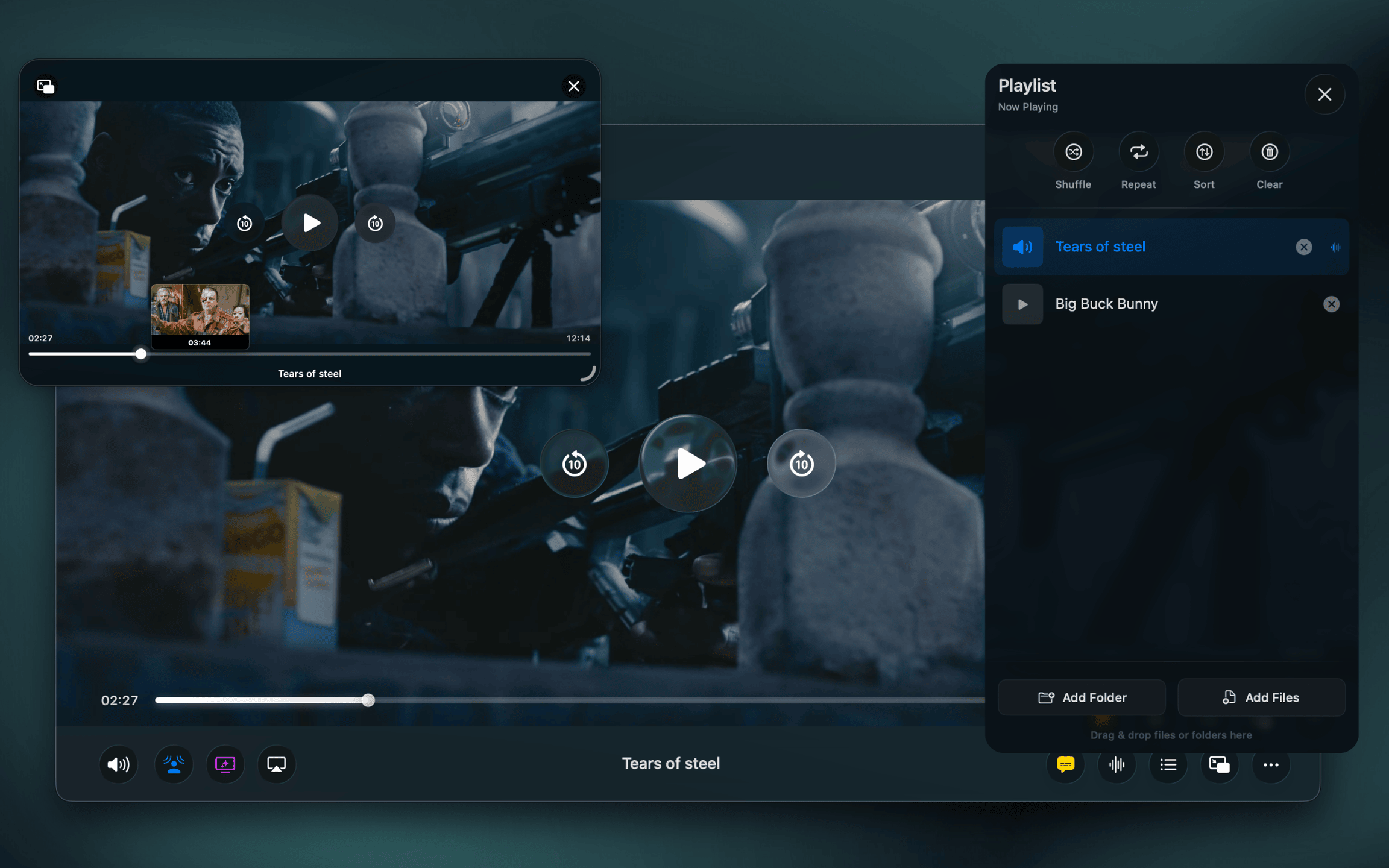
What is Vidi?
Key features
Support for multiple video formats and codecs
handles common formats like MP4, MKV, and others without needing external codecs
Subtitle management
load and manage subtitle files with adjustable display options
Playback controls
standard controls including speed adjustment, seeking, and volume management
Keyboard shortcuts
customisable shortcuts for common playback actions
Playlist support
organise and play multiple videos in sequence
Pros & cons
Advantages
- Mac-native application built to work well with macOS rather than a cross-platform solution
- Free version available so you can try it before committing to paid features
- Handles video formats that built-in Mac players often refuse to open
- Lightweight and doesn't require installing additional codec packs
Limitations
- Limited to macOS; if you need to watch videos on other devices, you'll need different software
- Lacks advanced features like video editing or effects that some users might expect
Use cases
Watching downloaded or archived video files in various formats on a Mac
Reviewing video content with subtitles in multiple languages
Playing video files that other macOS players don't support
Managing personal video libraries and playlists
Working with video files that use less common codecs or containers
Ready to try Vidi?
Pricing
Premium
Paid (specific price not confirmed)
Additional features and priority support beyond the free version
Get started with Vidi
Click through to Vidi and start using it now.
- Free plan available
- No credit card