Vidiofy AI
Transform text into captivating reel-style videos effortlessly with AI.
- Freemium
- Web
- VideoWritingAI Tools for Video Creation
- Free plan available
- No credit card
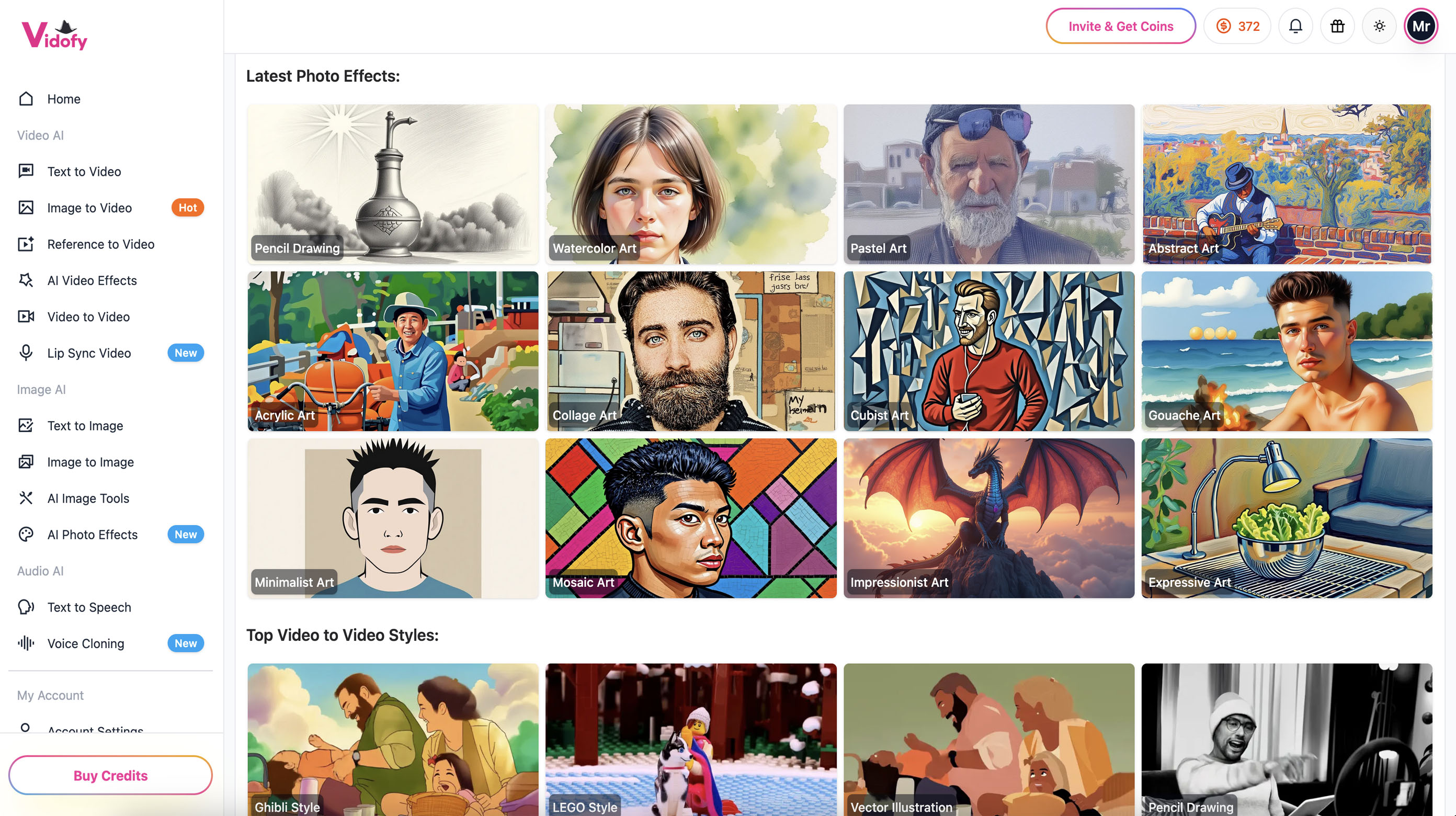
What is Vidiofy AI?
Key features
Text-to-video conversion
turns written content into formatted reel-style videos
Automatic visual selection
AI chooses relevant images and clips to match your text
Customisable templates
adjust video length, style, and format for different platforms
Preset effects and transitions
includes standard editing elements like fades and cuts
Multi-platform export
downloads video in formats suitable for TikTok, Instagram, YouTube Shorts
Pros & cons
Advantages
- Fast production; creates videos in minutes instead of hours spent editing
- No video editing experience required; straightforward text input process
- Freemium model lets you test the tool before committing to paid features
- Useful for repurposing existing text content into new formats
Limitations
- Output quality depends on available stock footage and images; results may feel generic
- Limited creative control compared to manual video editing tools
- Free tier likely has restrictions on video length, export quality, or monthly usage
Use cases
Social media managers converting blog posts into TikTok and Instagram content
News outlets turning articles into short video clips for social distribution
Marketers creating product descriptions as quick promotional videos
Content creators scaling up video output without hiring video editors
Educational creators turning lesson summaries into visual learning clips
Ready to try Vidiofy AI?
Pricing
Premium
Contact for pricing
Higher quality exports, longer video lengths, advanced templates, priority processing
Get started with Vidiofy AI
Click through to Vidiofy AI and start using it now.
- Free plan available
- No credit card