VisualizeAI
Create 3D renderings, detect errors, and enhance wireframes with lighting, materials, and textures in minutes.
- Free plan available
- No credit card
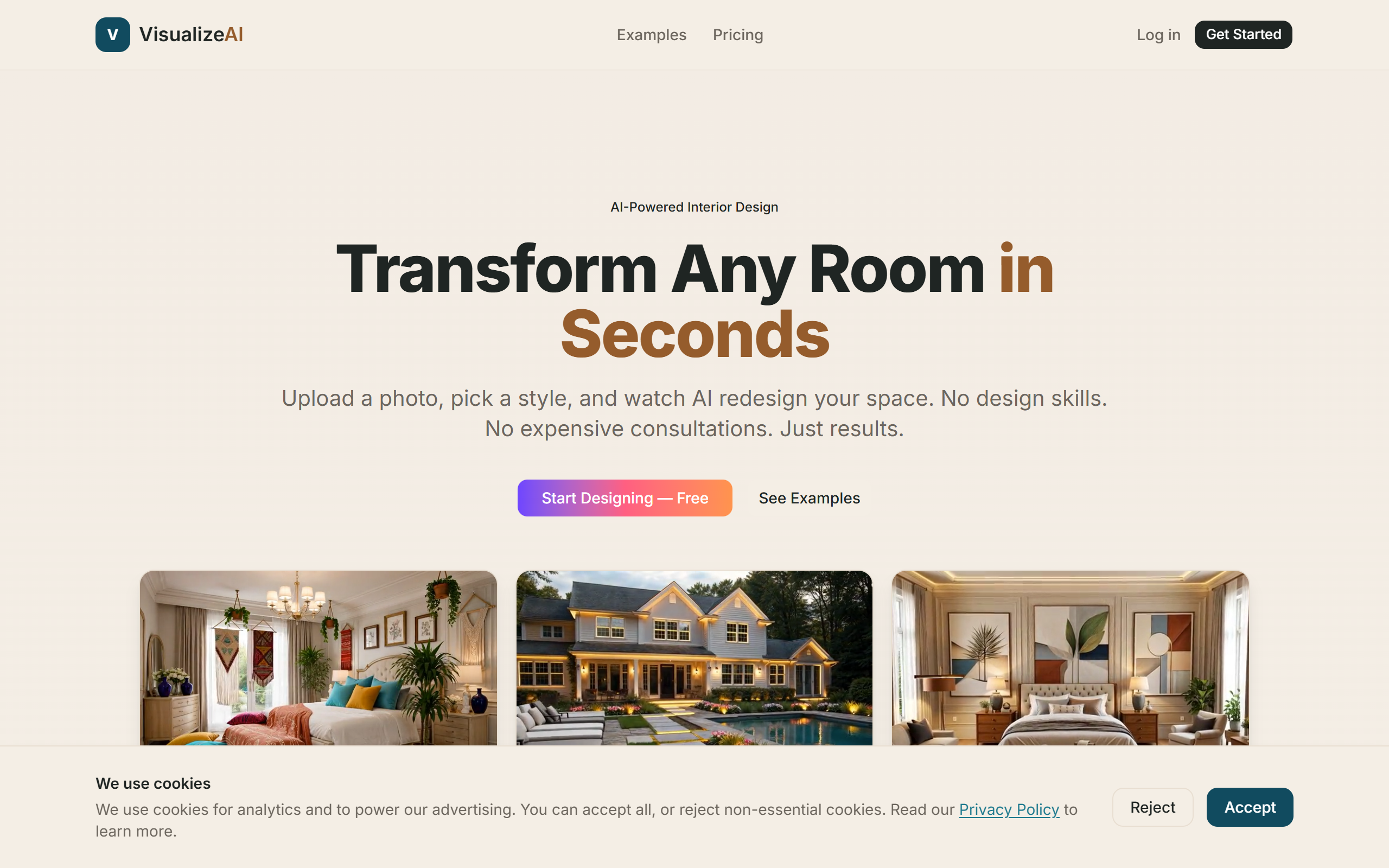
What is VisualizeAI?
Key features
Automatic 3D rendering from wireframes and sketches into detailed visualisations
Error detection that identifies potential design flaws or structural issues
Lighting and materials application to add realism to renderings in minutes
Texture customisation to control surface finishes and appearance
Fast processing to reduce the time between concept and presentation-ready output
Pros & cons
Advantages
- Significantly speeds up the rendering process compared to manual 3D modelling
- Makes professional-quality visualisations accessible to those without 3D software expertise
- Built-in error detection catches problems early and reduces iteration cycles
- Freemium model lets you try the tool before committing to paid features
Limitations
- Free tier likely has limitations on output resolution, rendering speed, or number of projects
- May require some training to produce best results, particularly for complex designs
- Dependent on the accuracy of your initial wireframe or sketch input
Use cases
Product designers presenting early-stage concepts to stakeholders or clients
Architects visualising building designs with realistic lighting and materials
UX designers creating 3D mockups of digital interface concepts
Design agencies needing quick visualisations for proposal presentations
Industrial designers checking for structural or spatial issues before prototyping
Ready to try VisualizeAI?
Pricing
Get started with VisualizeAI
Click through to VisualizeAI and start using it now.
- Free plan available
- No credit card