
Vmaker AI
AI platform that creates and edits videos from text, audio, footage, or documents — with auto subtitles, avatars, and long-to-short clips.
- Free plan available
- No credit card
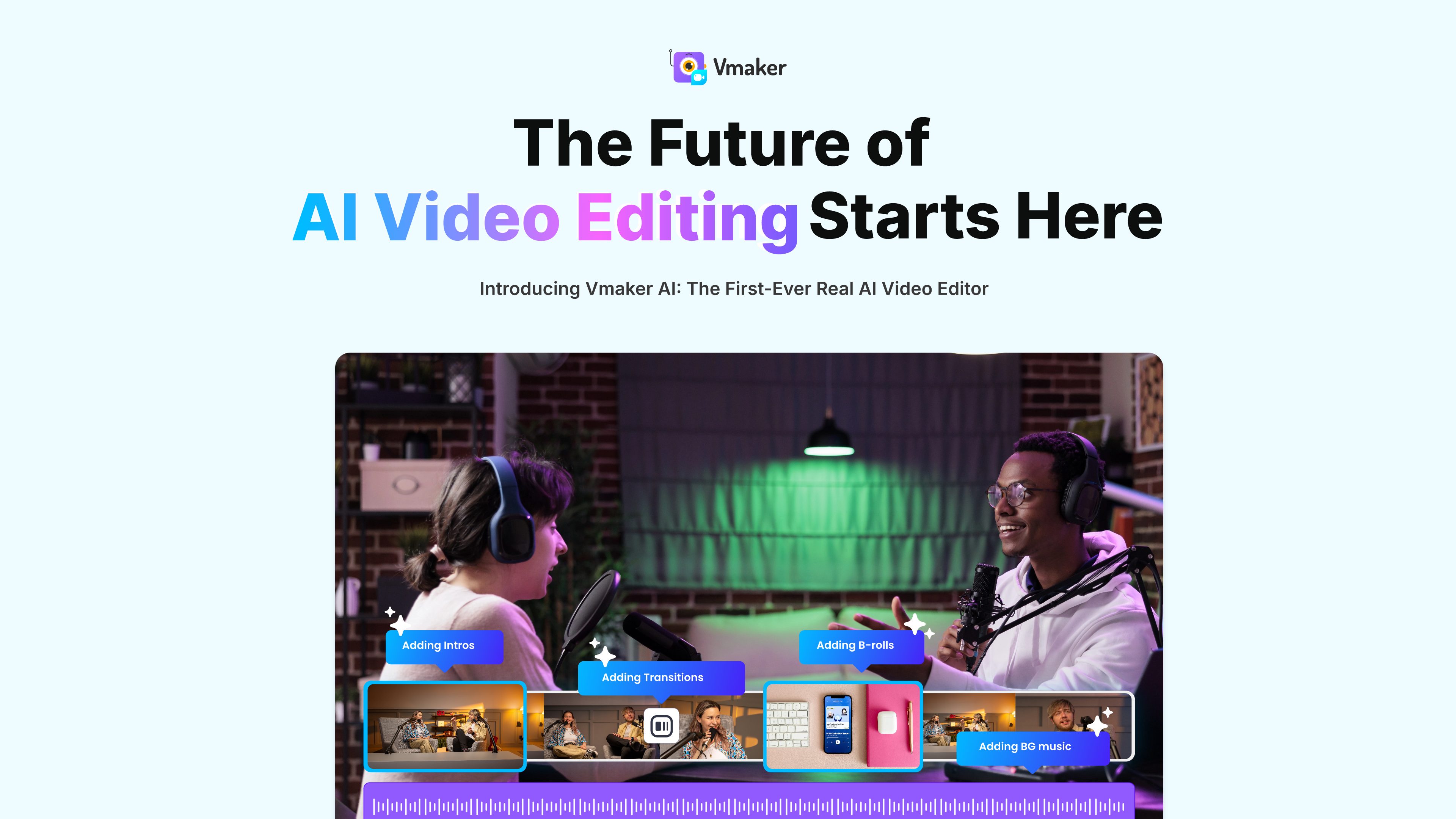
What is Vmaker AI?
Key features
AI video editor that turns raw footage into publish-ready videos
Long-to-short AI clip maker with smart reframing and animated subtitles
Auto subtitle generator in 35+ languages with 100+ translation languages
AI avatar / human generator (text-to-video and audio-to-video)
4K screen and webcam recorder
Video background remover, enhancer, resizer, and AI dubbing
Pros & cons
Advantages
- Broad all-in-one toolset spanning generation, editing, subtitling, recording, and repurposing
- Free tier lets users test core features before paying
- Strong multilingual support (35+ subtitle languages, 100+ translation languages, AI dubbing)
Limitations
- Free plan is limited (3 downloads/mo, 5-minute exports, 720p)
- Web-based only; no native desktop or mobile apps advertised
- Higher resolution and longer exports require paid plans
- Quality of AI-generated avatars/videos can vary by input
Use cases
Repurposing podcasts, webinars, and interviews into short social clips
Creating training, tutorial, and how-to videos
Producing marketing, product, and explainer videos
Adding subtitles or dubbing to existing videos
Ready to try Vmaker AI?
Get started with Vmaker AI
Click through to Vmaker AI and start using it now.
- Free plan available
- No credit card