
Vocal Remover AI
Transform music tracks: isolate vocals, create instrumentals, AI-powered, batch processing.
- Free plan available
- No credit card
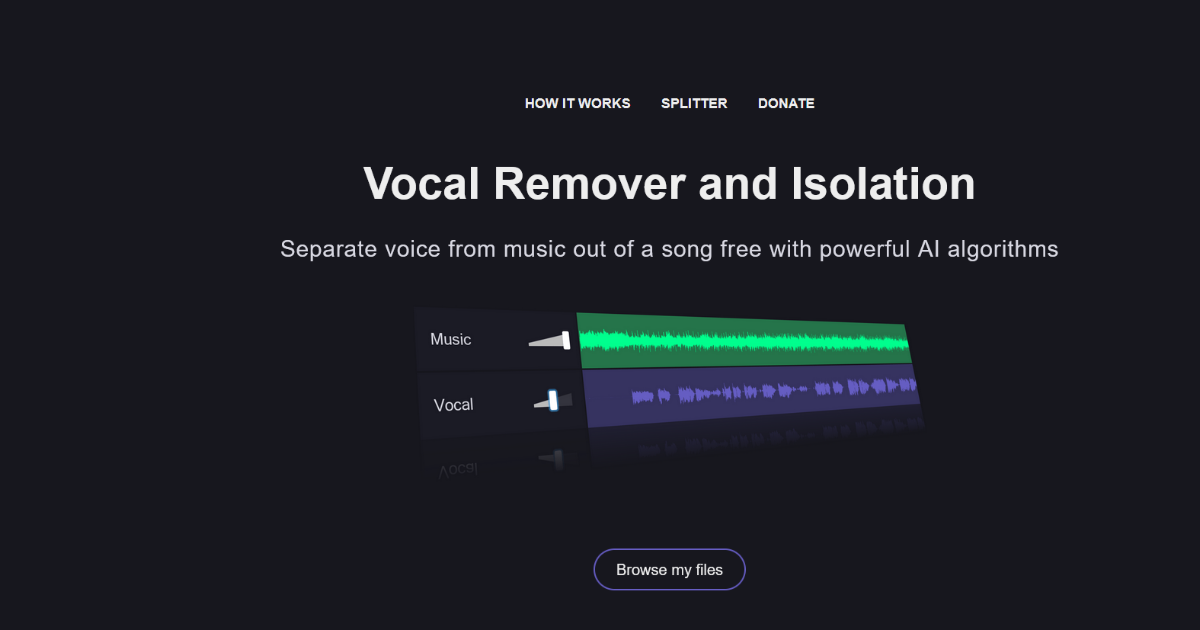
What is Vocal Remover AI?
Key features
Vocal isolation
separates singing voices from instrumental background music
Instrumental extraction
creates clean backing tracks without vocals
Batch processing
process multiple audio files in a single operation
AI-powered separation
uses machine learning to analyse and isolate audio components
Web-based access
no software installation required; works through a browser
Multiple audio format support
accepts common music file formats
Pros & cons
Advantages
- Free tier available for basic vocal removal tasks without payment
- Batch processing saves time when working with multiple tracks
- No installation needed; accessible from any device with a web browser
- AI processing generally produces better results than older equaliser-based methods
Limitations
- Separation quality varies depending on audio quality and production style of the original track
- Free tier likely has processing limits or output quality restrictions
- Web-based tool means processing speed depends on server capacity and your internet connection
Use cases
Creating instrumentals for remixes or cover versions
Extracting acapellas for DJ mixing and sampling
Generating backing tracks for karaoke or practice purposes
Music production when you want to repurpose or rethink existing recordings
Educational analysis of vocal and instrumental elements in songs
Ready to try Vocal Remover AI?
Pricing
Premium
Pricing not publicly specified
Higher quality output, faster processing, higher file size limits, batch processing credits
Get started with Vocal Remover AI
Click through to Vocal Remover AI and start using it now.
- Free plan available
- No credit card