
Vocalremover
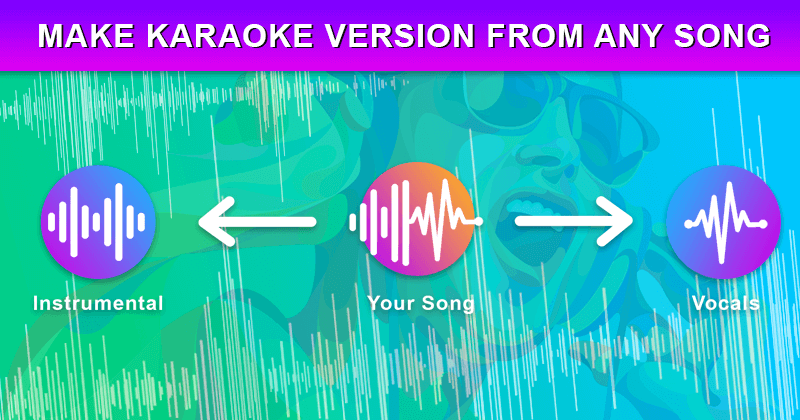
Easily create instrumental and karaoke versions of songs, and generate backing tracks for live performances.
- Freemium
- Web
- AI Audio Separation & IsolationOtherAudio
- Free plan available
- No credit card
What is Vocalremover?
Key features
Vocal removal
AI-powered separation of vocals from music tracks
Karaoke generation
Creates sing-along versions by removing lead vocals while preserving instrumentation
Instrumental export
Download clean backing tracks for performance or practice
Audio file upload
Accepts common formats like MP3, WAV, and OGG
Browser-based processing
No software installation needed; works on any device with a web browser
Free tier access
Basic vocal removal available without payment or account creation
Pros & cons
Advantages
- Straightforward to use; just upload a file and let the tool process it
- Free option available for testing before considering paid features
- Works in any modern web browser without downloads or complex setup
- Fast processing for most standard-length songs
Limitations
- Separation quality varies depending on the song's mix and production style; heavily layered vocals or unusual arrangements may not separate cleanly
- Processing speed and output quality may be limited on the free tier compared to paid options
Use cases
Musicians preparing backing tracks for live performances or rehearsals
Creating karaoke versions of songs for singing practice or events
Content creators needing royalty-free instrumentals for videos or podcasts
DJs or producers wanting to remix or sample existing tracks
Voice students or coaches removing lead vocals to practise harmony parts
Ready to try Vocalremover?
Pricing
Premium
Varies by subscription length
Faster processing, higher quality output, larger file size limits, batch processing capabilities, and priority support
Get started with Vocalremover
Click through to Vocalremover and start using it now.
- Free plan available
- No credit card