Voice Anywhere
A floating mic that turns your speech into text anywhere
- Freemium
- Web, macOS, Windows, Chrome Extension
- AI Tools for AccessibilityWritingProductivity
- Free plan available
- No credit card
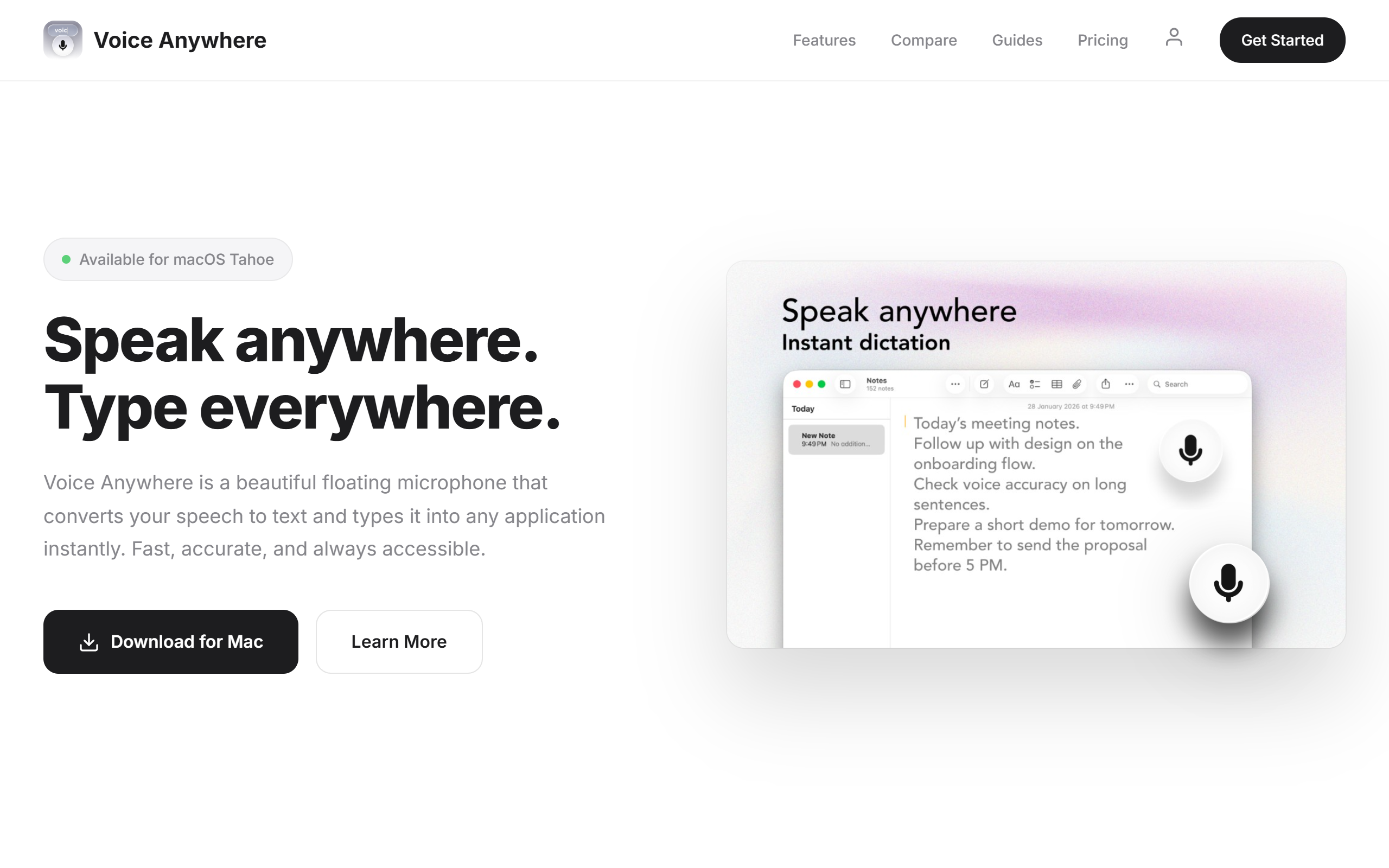
What is Voice Anywhere?
Key features
Floating microphone widget
access speech-to-text from anywhere on your screen without switching applications
Real-time transcription
converts spoken words to text as you speak
System-wide integration
works across different applications and web browsers
Freemium access
basic speech-to-text available without payment
Quick activation
toggle the microphone on and off with minimal friction
Pros & cons
Advantages
- Works across all your applications, not just one platform or software
- No need to copy and paste between a transcription tool and your actual workspace
- Freemium option lets you evaluate whether dictation suits your workflow
- Reduces typing time for people with high text volumes or accessibility needs
Limitations
- Accuracy depends on audio quality and background noise in your environment
- Free tier may have limitations on daily usage or transcription length
- Requires good microphone hardware to produce reliable results
Use cases
Writing long emails or documents by dictation instead of typing
Filling out online forms and web applications using voice input
Note-taking during meetings or lectures across different applications
Accessibility support for users with mobility or typing limitations
Quick message composition in chat platforms and messaging apps
Ready to try Voice Anywhere?
Pricing
Free
Free
Basic speech-to-text functionality with the floating microphone interface; likely includes daily usage limits or reduced accuracy
Paid (specific tier name and pricing not confirmed)
Contact for details
Likely includes higher daily transcription limits, improved accuracy, priority support, and potentially advanced features
Get started with Voice Anywhere
Click through to Voice Anywhere and start using it now.
- Free plan available
- No credit card