
VoiceCue
Automate data entry, customize workflows, and tailor preferences with this powerful tool.
- Freemium
- Web, Chrome Extension
- Data & AnalyticsProductivityAudio
- Free plan available
- No credit card
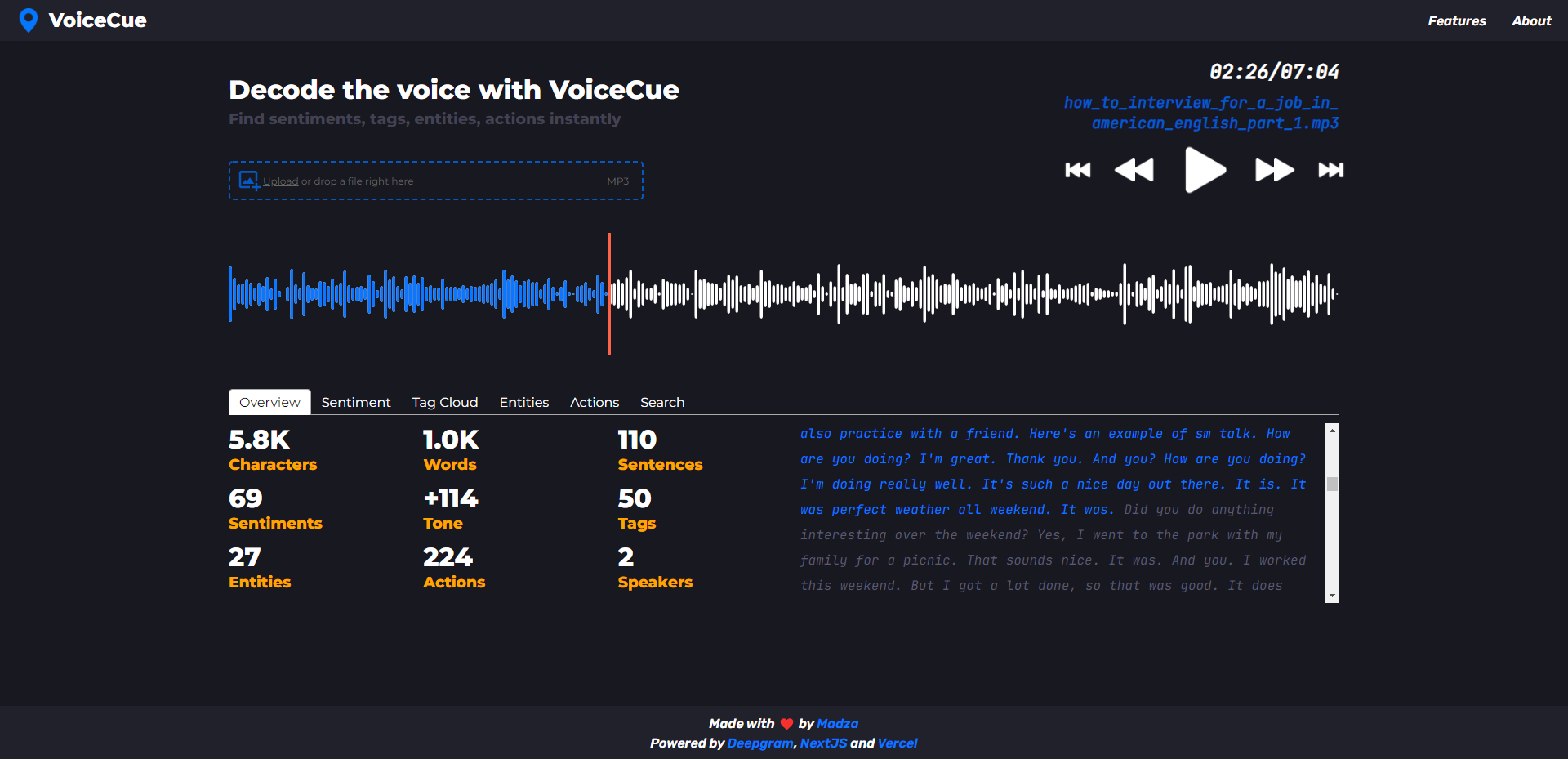
What is VoiceCue?
Key features
Voice-activated data entry
input information using voice commands rather than typing
Workflow customisation
build automated sequences tailored to your specific processes
Preference management
save and reuse settings for frequently performed tasks
Batch processing
handle multiple data entries in a single automated operation
Integration options
connect with other applications to move data without manual transfer
Pros & cons
Advantages
- Reduces time spent on repetitive typing and form completion
- Freemium option lets you test the tool without upfront investment
- Voice input is faster than manual typing for many users
- Custom workflows adapt to your specific work patterns
Limitations
- Voice recognition accuracy may vary depending on accent, background noise, and audio quality
- Setting up complex workflows requires some initial configuration effort
- Advanced features likely restricted to paid tiers
Use cases
Administrative staff automating customer information entry into company systems
Researchers inputting survey responses or experimental data
Customer service representatives filling out support tickets with consistent information
Sales teams logging contact details and interaction notes after calls
Data analysts preparing raw information for analysis by automating formatting steps
Ready to try VoiceCue?
Pricing
Free
Free
Basic voice data entry and simple workflow creation with limited automation runs per month
Premium
Contact for pricing
Unlimited automation runs, advanced workflow options, priority support, and integration capabilities
Get started with VoiceCue
Click through to VoiceCue and start using it now.
- Free plan available
- No credit card