
VWO
VWO (Visual Website Optimizer) is a comprehensive digital experience optimization platform that empowers businesses to enhance websites, mobile apps, and product features through systematic testing an
- Freemium
- Web, API
- Data & AnalyticsAI Test Automation ToolsImage Generation
- Free plan available
- No credit card
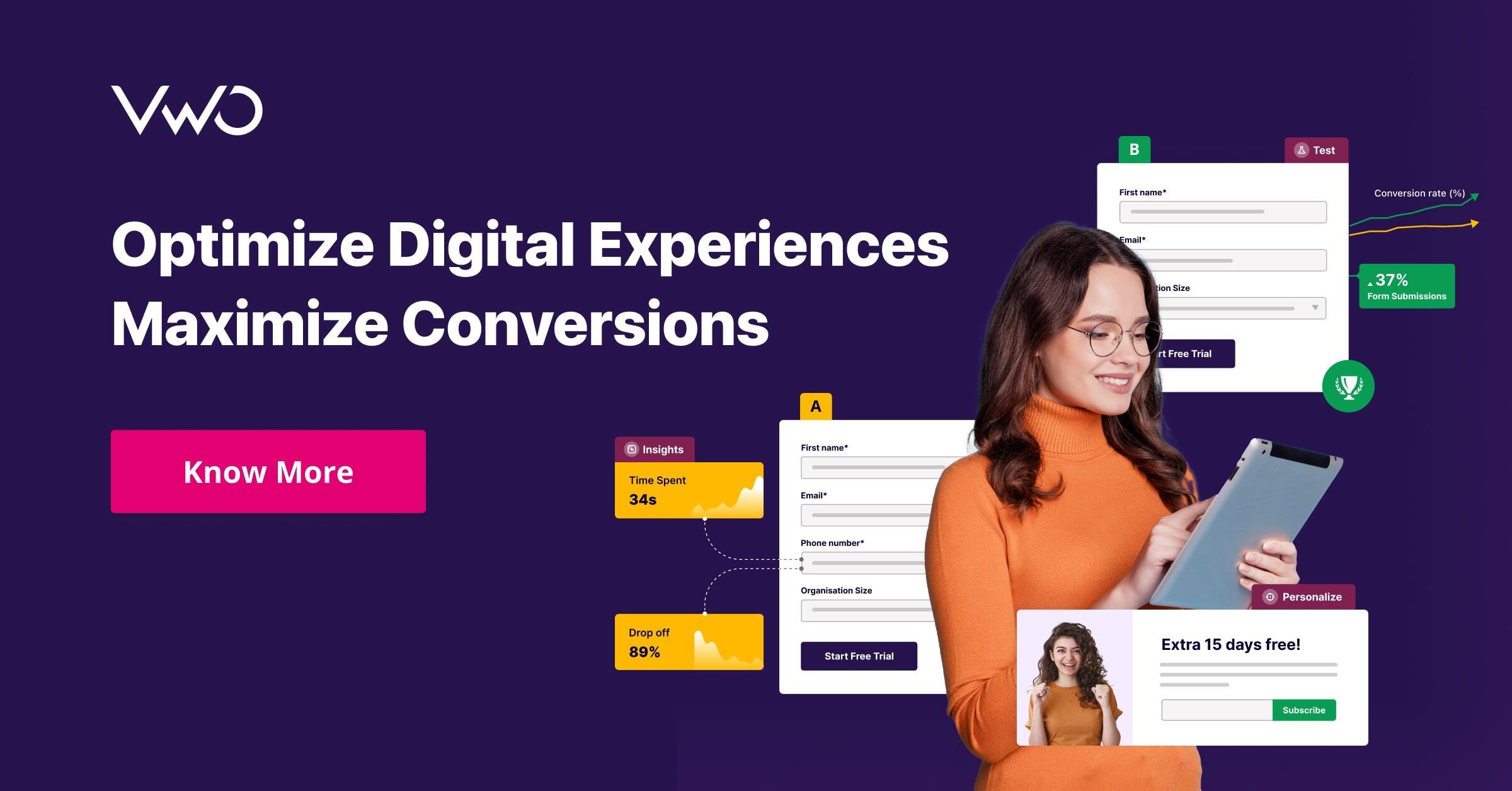
What is VWO?
Key features
A/B testing and multivariate testing
run experiments to compare different versions of your website or app
Behaviour analytics
heatmaps and session recordings show you how visitors handle and interact with your pages
Personalization
display different content, offers, or experiences based on visitor demographics, behaviour, or custom segments
Server-side and split URL testing
test changes at the server level or direct traffic to entirely different URLs
Integrations
connects with analytics platforms, marketing tools, and ecommerce systems
AI-powered features
VWO Copilot and Data360 assist with experiment design and data analysis
Pros & cons
Advantages
- Visual editor makes it simple to create tests without coding
- Combination of testing and analytics tools in one platform reduces tool switching
- Freemium plan available so you can start experimenting without paying upfront
- Personalization features go beyond A/B testing to deliver tailored experiences
Limitations
- Pricing scales significantly with traffic volume, so high-traffic sites may face steep costs
- Learning curve for advanced features like server-side testing and custom segments
- Requires sufficient traffic to reach statistical significance, limiting usefulness for small sites or niche audiences
Use cases
Ecommerce teams testing product page layouts, checkout flows, and pricing strategies
SaaS companies optimising sign-up forms and onboarding experiences
Publishers personalising content recommendations based on reader behaviour
Marketing teams running campaigns with different messaging for different visitor segments
Product teams validating feature changes before full rollout
Ready to try VWO?
Pricing
Starter
Custom pricing
Core testing, heatmaps, session recordings, and personalization for growing teams
Professional
Custom pricing
Advanced testing options, behaviour analytics, API access, and integrations
Enterprise
Custom pricing
Dedicated support, custom integrations, advanced personalization, and priority features
Get started with VWO
Click through to VWO and start using it now.
- Free plan available
- No credit card