
Vyond
Create professional videos with a user-friendly interface, extensive library, and powerful editing tools.
- Freemium
- Web
- VideoDeveloper ToolsCode
- Free plan available
- No credit card
What is Vyond?
Key features
Template library
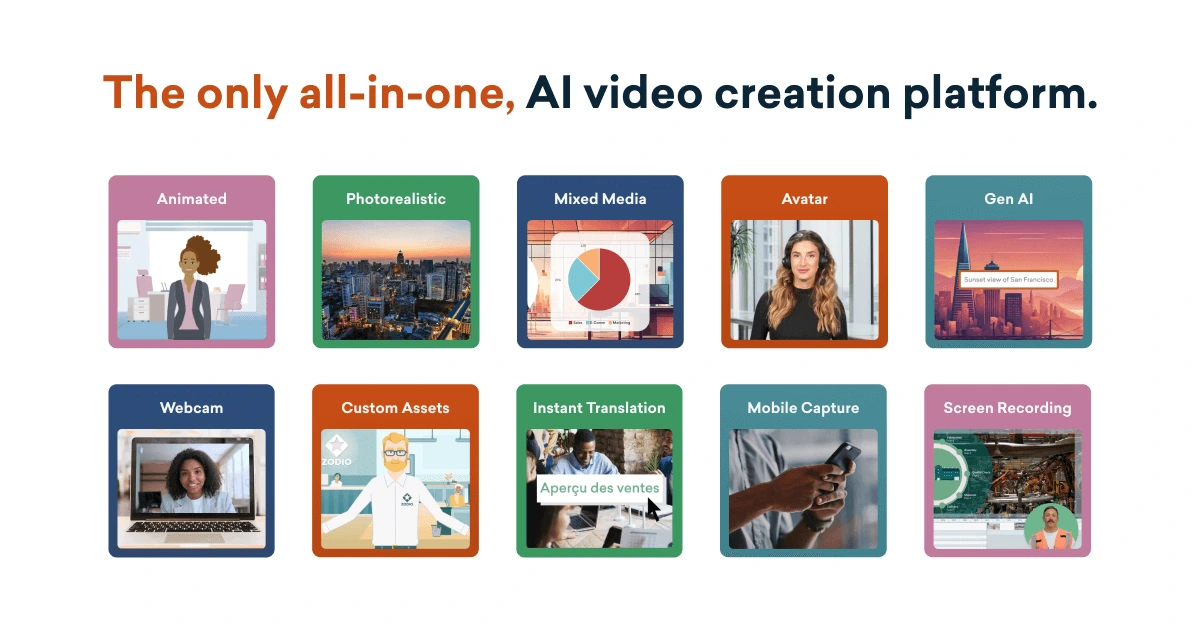
pre-made video templates for common formats like explainers, product demos, and training videos
Drag-and-drop editor
arrange scenes, add text, images, music, and animations without coding or technical knowledge
Character and animation library
access to animated characters, stock footage, and transition effects
Music and sound effects
built-in audio library with royalty-free tracks and effects
Export options
download videos in multiple formats and resolutions suitable for different platforms
Collaboration tools
share projects and gather feedback from team members
Pros & cons
Advantages
- Quick to learn and use, even for people with no video editing experience
- Freemium model allows you to try the tool before paying
- Large library of assets reduces time spent hunting for graphics or music elsewhere
- Finished videos look professional and polished despite being simple to create
Limitations
- Free tier has limitations on video length, export quality, and available assets
- Less suited to highly custom or complex video projects that need precise control
- Reliance on templates and pre-built assets means your videos may share similarities with others using the platform
Use cases
Creating employee training or onboarding videos for internal use
Producing marketing explainer videos for social media or websites
Making educational content for online courses or e-learning platforms
Building presentation videos for sales pitches or corporate communications
Generating animated summaries of reports or data-heavy documents
Ready to try Vyond?
Pricing
Free
Free
Access to basic templates and library; limited video length; standard export quality; watermark included
Professional
Subscription required (exact price varies by region and billing cycle)
Unlimited video length; full access to template library; HD export; no watermark; advanced editing features; stock music and footage
Enterprise
Custom pricing
Custom branding; team collaboration tools; priority support; advanced analytics; dedicated account management
Get started with Vyond
Click through to Vyond and start using it now.
- Free plan available
- No credit card