
Wallpaper Generate
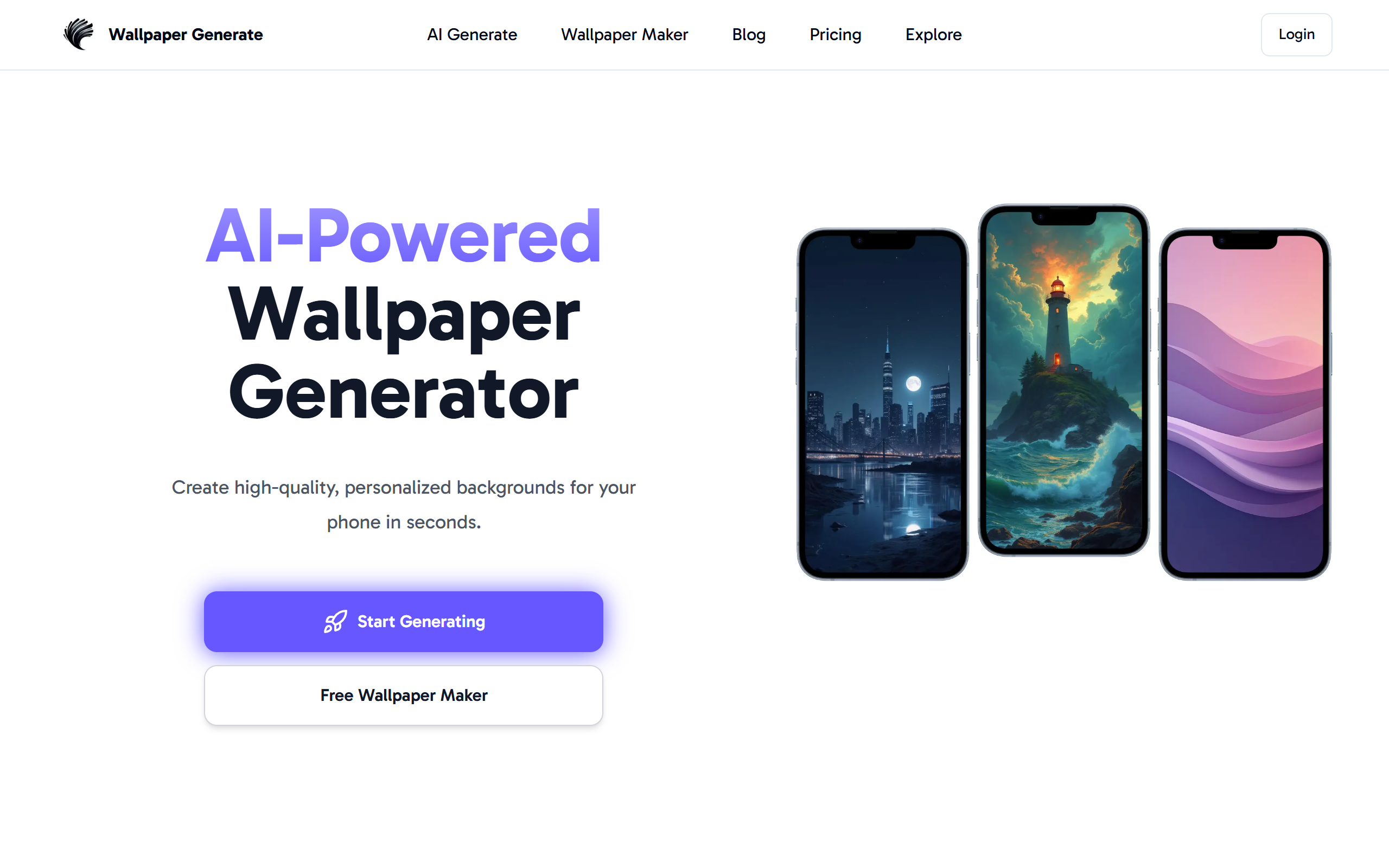
WallpaperGenerate.com is a free online AI wallpaper generator that turns your text prompts into high‑quality wallpapers for desktop, mobile, phone, and 4K screens. With a simple one‑click process, mul
- Always free
- No credit card
What is Wallpaper Generate?
Key features
Text-to-image generation
Convert written descriptions into custom wallpapers using AI
Multiple art styles
Choose from anime, fantasy, sci-fi, minimalist, pixel art, horror, photorealistic, and others
Multi-format support
Generate wallpapers sized for desktop, mobile phones, and 4K screens
No registration required
Start creating immediately without signing up for an account
One-click download
Save finished images instantly in high quality
Inspiration gallery
Browse popular user-generated wallpapers for ideas and reference
Pros & cons
Advantages
- Completely free to use with no hidden costs or premium tiers
- Quick process from prompt to finished download, no lengthy processing times
- Commercial-use rights included, so you can use outputs for projects and businesses
- No account needed means faster access and less friction to get started
Limitations
- Quality and accuracy of generated images depend on how well you write your text prompt
- Limited control over specific details in the final output compared to traditional design tools
- May occasionally produce images that don't match your expectations on first attempt
Use cases
Creating personalised desktop backgrounds without design skills or software
Generating phone wallpapers that match your aesthetic or interests
Producing background images for websites, apps, or digital projects
Finding inspiration by exploring the gallery of user creations
Creating unique 4K wallpapers for high-resolution displays
Ready to try Wallpaper Generate?
Pricing
Free
Free
Unlimited wallpaper generation, all art styles, instant downloads, commercial use rights, no account required
Get started with Wallpaper Generate
Click through to Wallpaper Generate and start using it now.
- Always free
- No credit card