
Warp AI
Integrated AI assistance for developers in the terminal.
- Paid
- macOS, Windows, Web
- AI Code AssistantsAI for DevelopersAI Tools for Programming
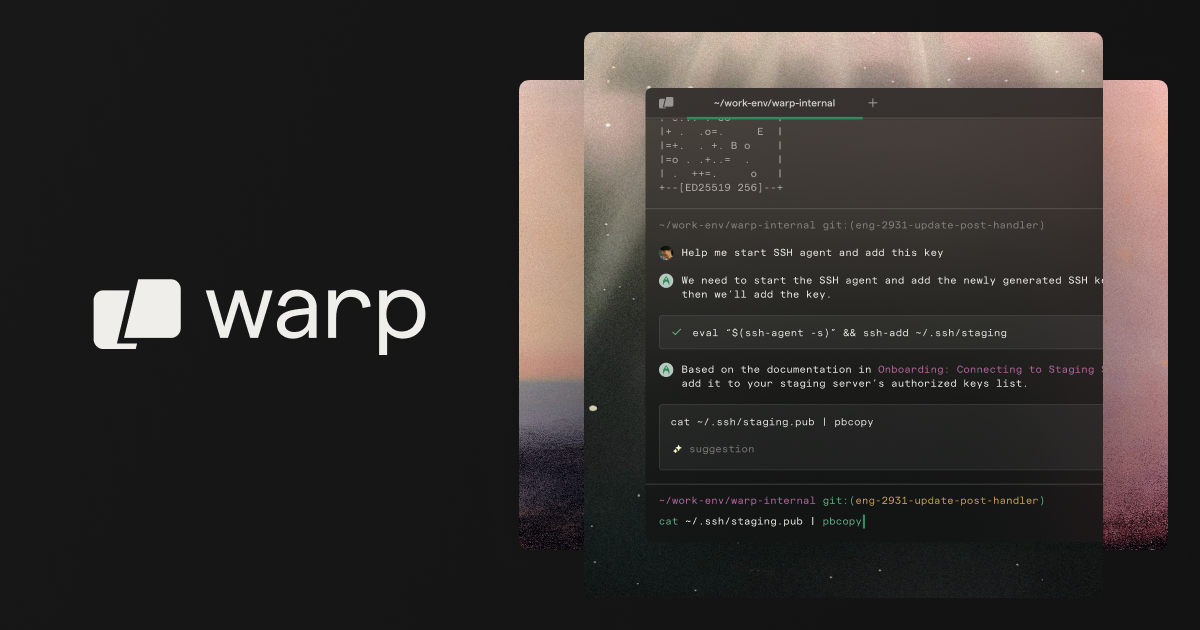
What is Warp AI?
Key features
Error debugging
Ask the AI to analyse terminal output and suggest solutions to errors
Natural language command search
Find commands by describing what you want to do, rather than remembering exact syntax
Programming guidance
Get step-by-step advice on coding problems with executable commands
Command prediction
Suggestions based on your previous commands and usage patterns
Hybrid AI approach
Local processing for command predictions and cloud-based AI for interactive assistance
Privacy controls
Options for local-only processing to keep sensitive data on your machine
Pros & cons
Advantages
- Speeds up common terminal tasks like finding commands and fixing errors
- Natural language interface makes it accessible without needing to remember exact syntax
- Offers both local and cloud processing options depending on your privacy needs
- Works natively in the terminal so you don't need to switch applications
Limitations
- Cloud-based features require internet connectivity and may raise privacy concerns for some users
- Effectiveness depends on the quality of your error messages and how clearly you describe problems
- Paid tool, so there's a cost beyond the base Warp terminal application
Use cases
Debugging unfamiliar error messages in logs or command output
Learning new command-line tools and remembering syntax for commands you use infrequently
Getting unstuck on programming problems without breaking focus to search online
Speeding up daily development workflows for developers who spend most time in the terminal
Onboarding new developers who are less familiar with terminal commands and debugging
Ready to try Warp AI?
Pricing
Get started with Warp AI
Click through to Warp AI and start using it now.