
WebAgent.ai
WebAgent.ai allows users to create AI-powered chatbots for websites, designed to automate customer support through intelligent interactions based on user-provided data.
- Freemium
- Web
- Customer SupportDesignCode
- Free plan available
- No credit card
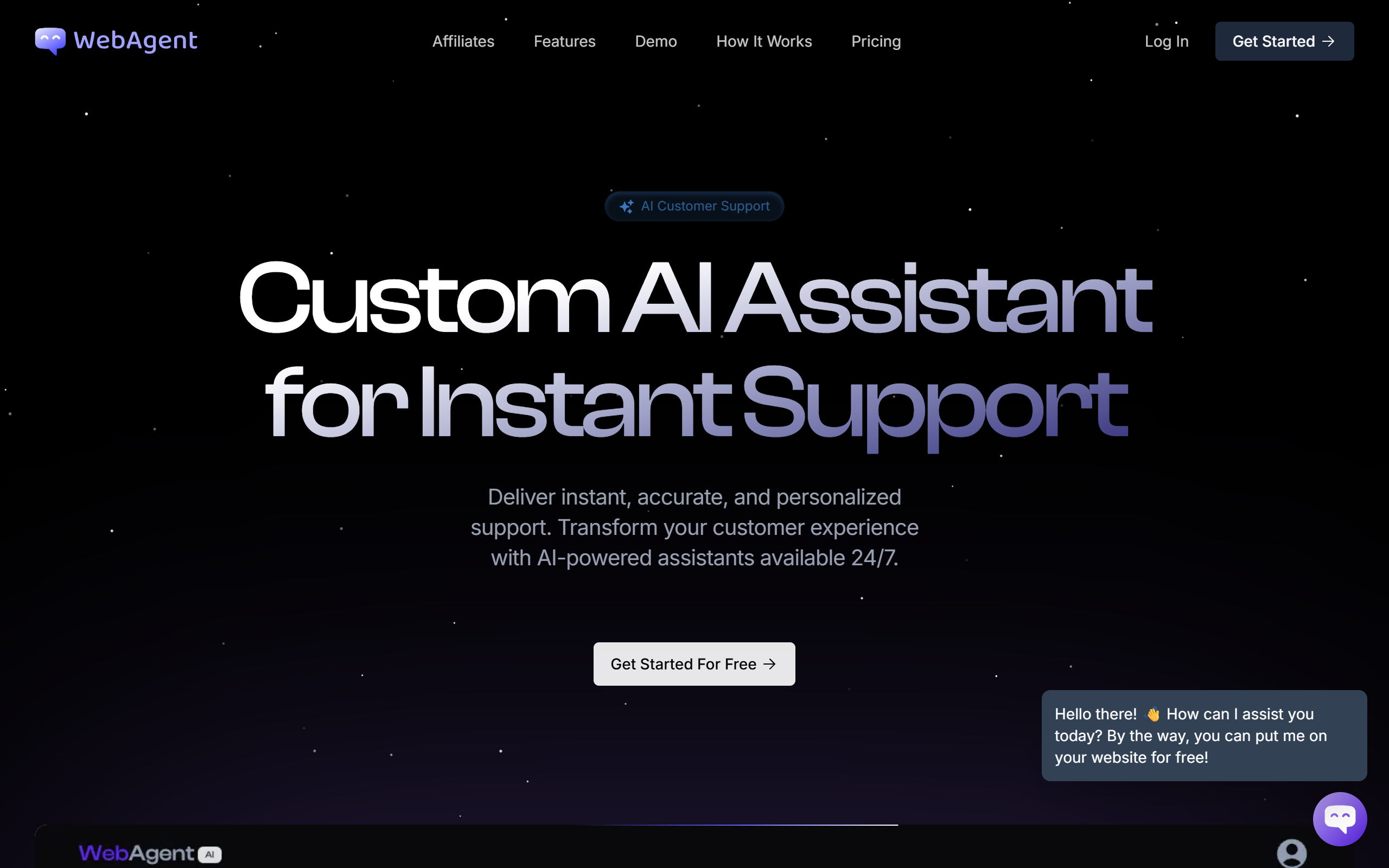
What is WebAgent.ai?
Key features
No-code chatbot builder
Create and customise chatbots without technical skills
Data training
Train chatbots on your documents, FAQs, and knowledge bases
Website embedding
Deploy chatbots directly on your website with simple integration
Conversation analytics
Monitor chatbot performance and user interactions
Response customisation
Configure chatbot tone, behaviour, and answer templates
Knowledge source flexibility
Pull training data from PDFs, web pages, or direct text
API access
Integrate with your existing systems and workflows
Pros & cons
Advantages
- Reduces support team workload by handling common questions automatically
- Operates 24/7, providing customer support outside business hours
- Responds accurately because it trains on your specific company data
- Quick to set up with no coding or technical knowledge required
- Free tier available to test before paying for additional features
Limitations
- Answer quality depends on the completeness and accuracy of your training data
- Struggles with complex questions that require subjective judgment
- Limited ability to maintain context across very long conversations
- Requires regular updates and retraining as your company information changes
Use cases
E-commerce: Handle product questions, returns, and delivery enquiries
SaaS support: Answer setup questions and explain features to users
Customer support: Reduce ticket volume by automating responses to frequent requests
Lead qualification: Screen potential customers before passing to sales
FAQ replacement: Transform static documentation into interactive conversations
Onboarding: Guide new users through initial setup and orientation
Ready to try WebAgent.ai?
Pricing
Free
Free
Basic chatbot creation, limited monthly conversations, essential features for testing
Professional
$149/mo
Advanced conversation limits, detailed analytics, priority support, custom branding
Enterprise
Contact sales
Unlimited conversations, dedicated support, custom integrations, enhanced security
Get started with WebAgent.ai
Click through to WebAgent.ai and start using it now.
- Free plan available
- No credit card