
WebWave
AI website builder with a drag-and-drop editor, responsive templates, hosting, and an online store — generate and publish a site in minutes, no coding.
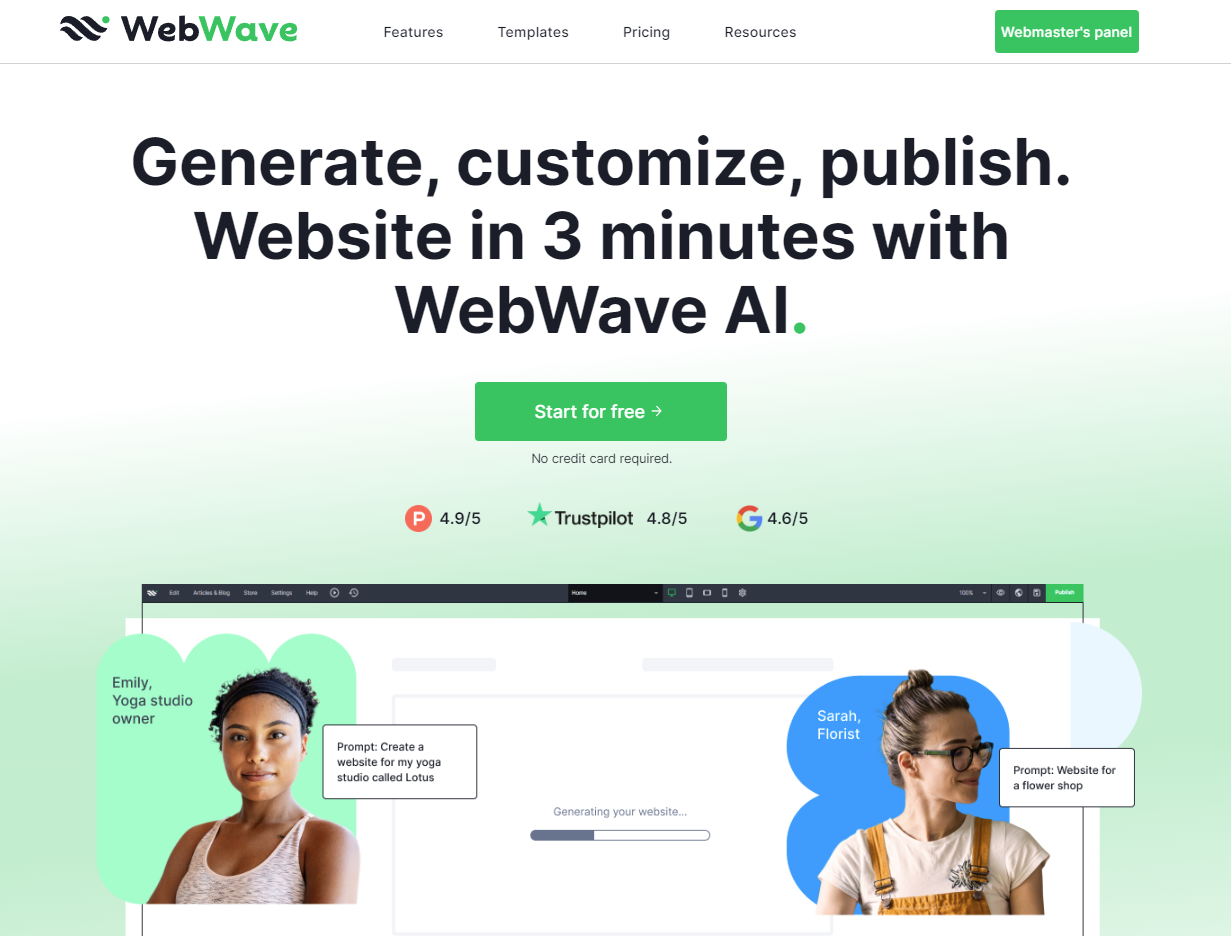
What is WebWave?
Key features
AI website generator that builds a full responsive site from a business description in ~3 minutes
Drag-and-drop editor inspired by graphic design tools for pixel-level layout control
100+ free responsive templates across business, e-commerce, blog, portfolio, and landing-page categories
Built-in SEO analyzer plus AI-written SEO articles on higher plans
Online store with zero transaction fees
Hosting with free SSL, custom domain connection, professional email, and white-label agency accounts
Pros & cons
Advantages
- Combines fast AI generation with genuine fine-grained drag-and-drop design control
- Affordable paid plans starting around $5/month billed annually
- 14-day free trial with no credit card required
- White-label agency option for freelancers and agencies building client sites
Limitations
- No permanent free plan — the trial expires after 14 days and WebWave branding shows until you upgrade
- E-commerce is limited to the top (Business) tier
- Smaller, lesser-known platform than Wix/Squarespace with a more limited template and app ecosystem
Use cases
Small business websites and landing pages
Online stores with no transaction fees
Portfolios and blogs
Agencies and freelancers building white-label client sites
Ready to try WebWave?
Get started with WebWave
Click through to WebWave and start using it now.