
Wideo Text-to-Speech
Convert text to audio with high-quality voices, languages, and customize files with sound effects, music, and images.
- Freemium
- Web
- WritingImage GenerationAudio
- Free plan available
- No credit card
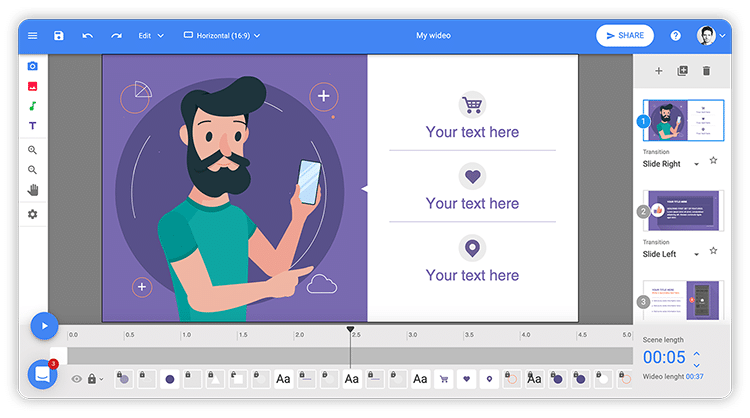
What is Wideo Text-to-Speech?
Key features
Text-to-speech conversion
Convert written text into audio using various high-quality voices
Multi-language support
Generate speech in multiple languages and accents
Audio customisation
Add background music and sound effects to your audio files
Visual integration
Combine audio with images to create video content
Freemium access
Basic functionality available without payment
Pros & cons
Advantages
- No recording equipment needed; create audio content entirely from text
- Ability to customise audio with music and effects rather than using plain synthetic speech
- Free tier available for testing before committing to paid features
- Support for multiple languages makes it useful for international audiences
Limitations
- Text-to-speech voices may sound artificial or lack natural intonation compared to human narration
- Customisation options may be limited on the free tier, requiring upgrading for full creative control
Use cases
Creating voiceovers for YouTube videos or social media content without recording
Generating audiobook samples or excerpts from written texts
Producing training or educational audio materials with background music
Creating podcast intros or outros with branded audio elements
Making accessibility-focused audio versions of written blog posts or articles
Ready to try Wideo Text-to-Speech?
Pricing
Get started with Wideo Text-to-Speech
Click through to Wideo Text-to-Speech and start using it now.
- Free plan available
- No credit card