
Wisecut
AI video editing with auto subtitles.
- Freemium
- Web, Chrome Extension
- VideoAI Tools for CaptionsIDEs & Editor Extensions
- Free plan available
- No credit card
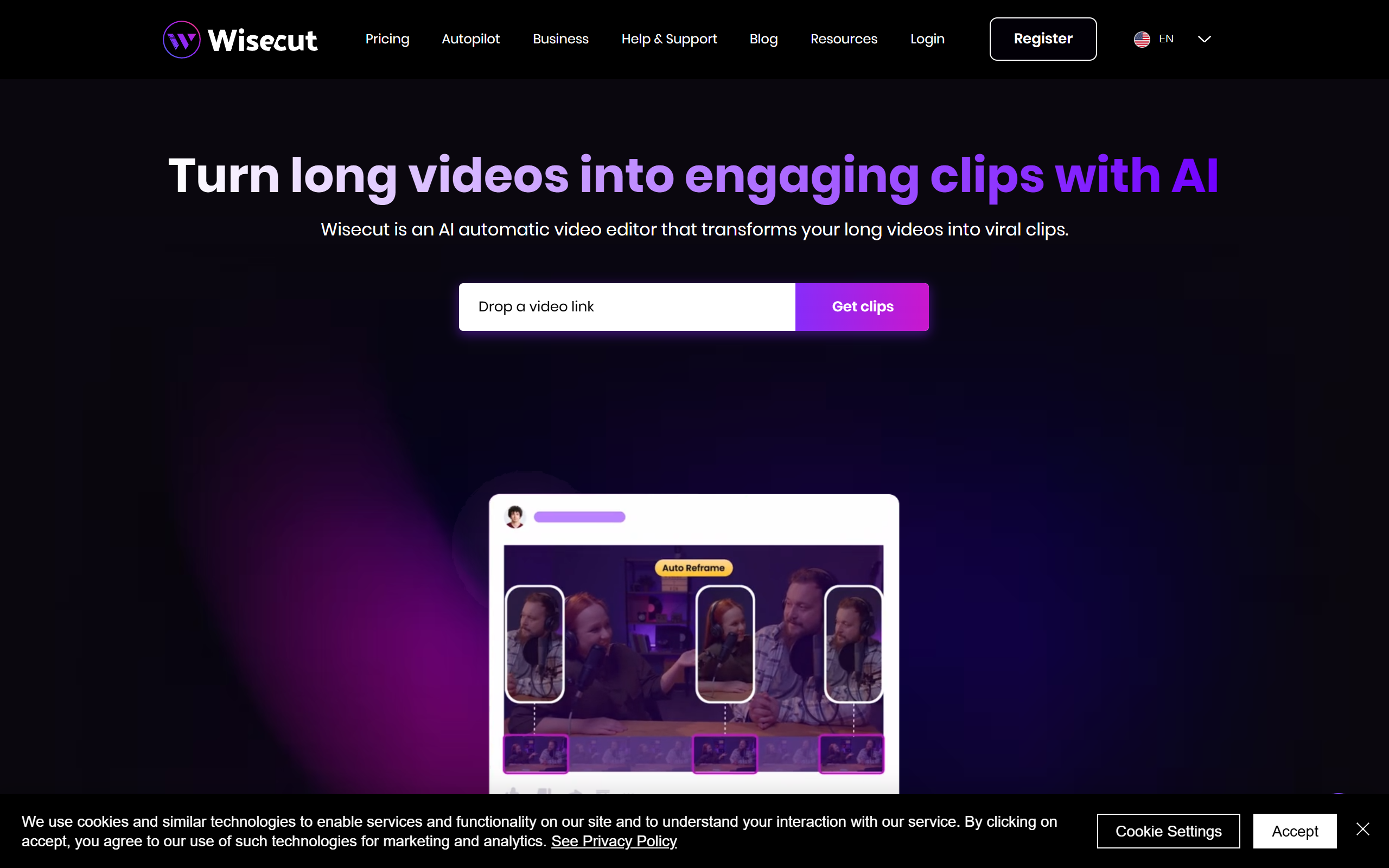
What is Wisecut?
Key features
Auto-subtitle generation
AI automatically detects speech and generates accurate captions in multiple languages
Intelligent clip detection
Identifies the most engaging moments and key segments to create shorter viral-ready clips
Multi-platform formatting
Automatically resizes and reformats videos for Instagram Reels, YouTube Shorts, TikTok, and other platforms
One-click editing
Requires minimal manual intervention, simplifying the editing workflow significantly
Podcast to clips conversion
Transforms long-form audio and video content into multiple short-form clips
Dynamic captions
Customizable caption styling and positioning to enhance viewer engagement
Pros & cons
Advantages
- Dramatically reduces editing time compared to manual video editing
- Makes professional-quality short-form content accessible to users without editing experience
- Freemium model allows users to test functionality before committing financially
- AI-powered subtitle accuracy improves accessibility and engagement metrics
- Batch processing capabilities help manage multiple video projects efficiently
Limitations
- Automation may miss detailed editing decisions that human editors would catch
- Free tier likely has limitations on video length, export quality, or monthly uploads
- Accuracy of AI clip detection varies based on content type and audio quality
Use cases
YouTubers converting long-form videos into YouTube Shorts for additional reach
Podcasters creating multiple short clips from single episodes for social media distribution
Content creators rapidly repurposing existing content across multiple platforms
Social media managers scaling content production without proportionally increasing staff
Influencers and streamers quickly generating viral-optimise clips for audience engagement
Ready to try Wisecut?
Pricing
Free
Free
Basic video editing, auto-subtitle generation, limited exports per month, watermark included
Pro
Contact for pricing
Unlimited exports, no watermark, priority processing, advanced customization, multi-language support
Enterprise
Contact for pricing
Custom integrations, dedicated support, API access, white-label options
Get started with Wisecut
Click through to Wisecut and start using it now.
- Free plan available
- No credit card