Wix Logo Maker AI
Effortlessly design custom logos with AI-driven creativity.
- Free plan available
- No credit card
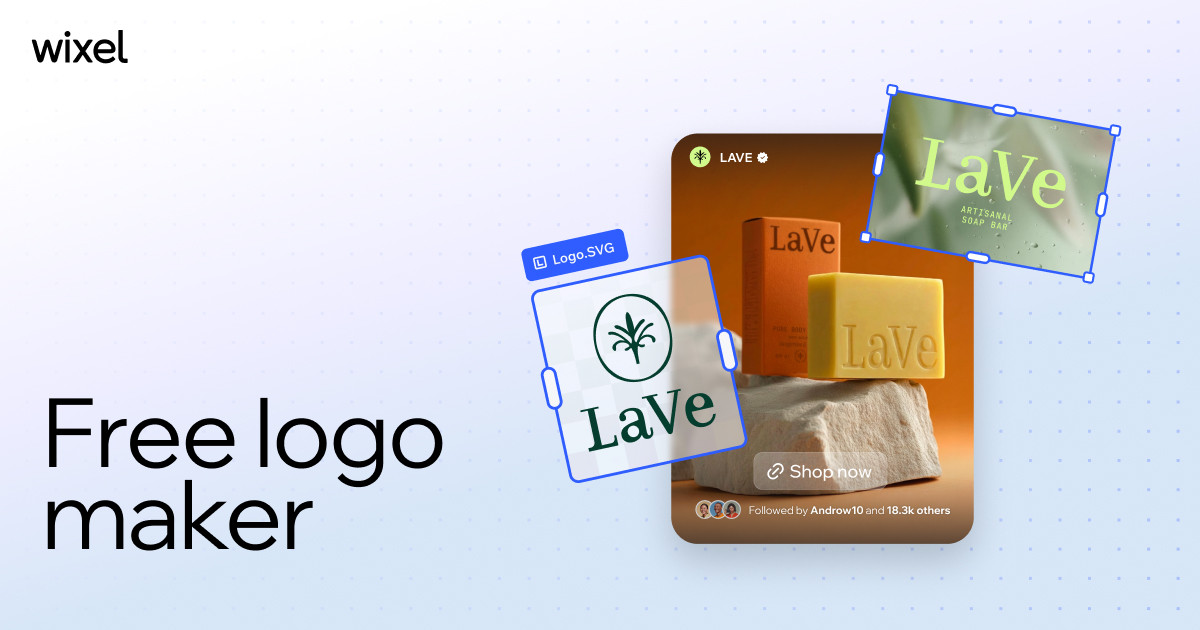
What is Wix Logo Maker AI?
Key features
AI logo generation
Create multiple logo designs by entering your business details and style preferences
Logo editor
Modify generated designs by changing colours, fonts, shapes, and layout elements
Format export
Download logos in formats suitable for digital and print applications
Style options
Select from various design styles and industries to guide the AI generation
Freemium access
Use the tool for free with basic downloads, or pay for premium options like higher resolution files
Pros & cons
Advantages
- Quick turnaround; generate professional-looking logo options in minutes rather than weeks
- Affordable alternative to hiring a graphic designer for small budgets
- Easy to use interface requiring no design experience or software knowledge
- Multiple variations generated at once, giving you options to compare and choose from
Limitations
- AI-generated logos may feel generic or similar to designs created for other businesses
- Limited control over the final design compared to working with a professional designer
- Premium features require a subscription to access higher quality downloads
Use cases
Small business startup needing a logo to launch quickly without significant investment
Freelancer or consultant wanting a professional brand mark for their business
Entrepreneur testing a business idea with temporary branding before investing in custom design
Side project or hobby business requiring basic logo design
Rebrand existing business with a fresh, modern logo
Ready to try Wix Logo Maker AI?
Pricing
Premium
Varies (typically under £10/month when billed annually)
High-resolution downloads, transparent backgrounds, unlimited revisions, priority support
Get started with Wix Logo Maker AI
Click through to Wix Logo Maker AI and start using it now.
- Free plan available
- No credit card