
WMaster Cleanup
All-in-one windows cleaner & optimizer
- Free
- Windows
- Developer ToolsCodeProductivity
- Always free
- No credit card
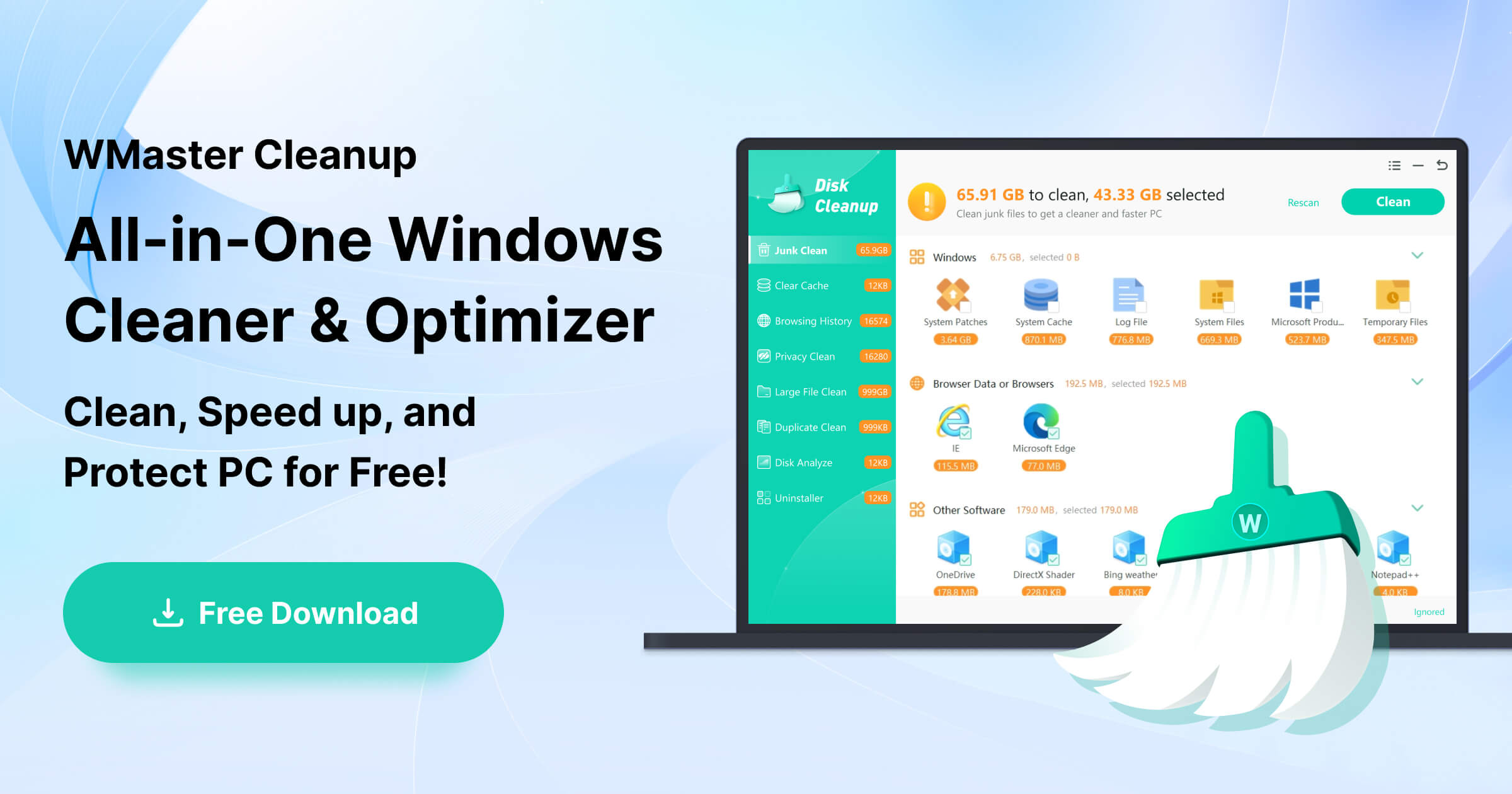
What is WMaster Cleanup?
Key features
Temporary file removal
Clears cache, temporary folders, and redundant system files to free up disk space
System optimisation
Adjusts Windows settings to improve overall performance and startup speed
Disk space analysis
Shows which files and folders are consuming the most storage
Junk file cleanup
Identifies and removes leftover installation files and application debris
One-click cleaning
Provides quick cleanup options for users who prefer automated rather than manual processes
Pros & cons
Advantages
- Free to use with no subscription fees or premium paywalls
- Simple interface suitable for users without technical knowledge
- Helps recover disk space on systems with storage constraints
- No installation required for some functions, reducing system footprint
Limitations
- Limited advanced features compared to paid alternatives
- May lack scheduled automation or granular control over what gets cleaned
- Support and updates might be sporadic for free tier users
Use cases
Regular maintenance on older Windows computers running low on storage space
Quick cleanup before backing up or archiving important files
Freeing up space before installing large software applications
Managing multiple work or family computers without budget for premium tools
Ready to try WMaster Cleanup?
Pricing
Free
Free
Core cleaning and optimisation features including temporary file removal, disk space analysis, and basic system optimisation
Get started with WMaster Cleanup
Click through to WMaster Cleanup and start using it now.
- Always free
- No credit card