
Wondershare Dr.Fone
Wondershare Dr.Fone is an all-in-one mobile toolkit for iOS and Android that helps users unlock devices, recover data, repair system issues, and manage phone data. With AI-enhanced screen unlock techn
- Freemium
- Windows, macOS
- Data & AnalyticsDeveloper ToolsAI Security Tools
- Free plan available
- No credit card
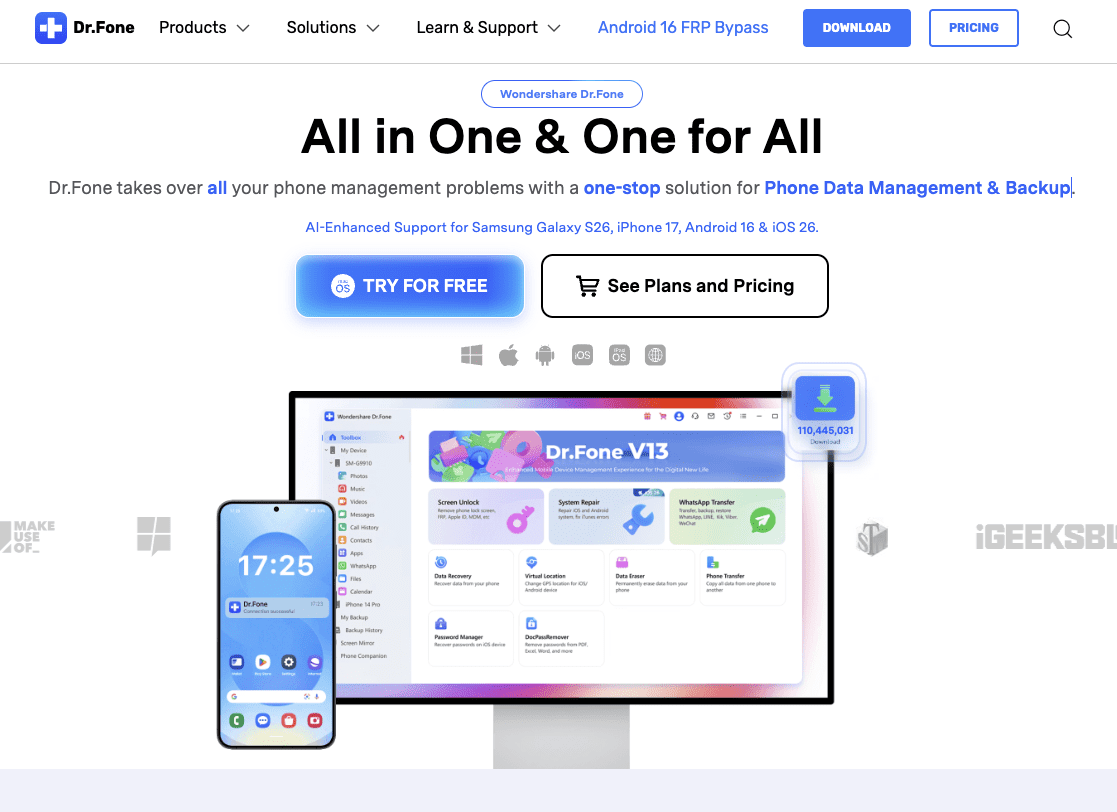
What is Wondershare Dr.Fone?
Key features
Screen enable
Remove forgotten passwords, PINs, and patterns from iOS and Android devices using AI-assisted analysis
Data recovery
Recover deleted photos, videos, messages, contacts, and other files from internal storage or SD cards
System repair
Fix common software issues including boot loops, unresponsive screens, and connection problems
Phone data management
Transfer, backup, and organise contacts, messages, photos, and other files between devices
Device diagnostics
Scan and analyse device health to identify potential problems before they worsen
Pros & cons
Advantages
- Handles both iOS and Android in one application, reducing the need for multiple tools
- AI-enhanced enable technology claims to improve success rates compared to standard methods
- Freemium model allows trying basic features before purchasing premium access
- Data recovery works on devices with physical damage or software corruption
Limitations
- Screen enable features may have legal restrictions depending on your country or device ownership proof requirements
- Success rates for recovery and repair depend heavily on how damaged the device is; some problems cannot be fixed
- Premium features required for most advanced functions; free version has limited capability
Use cases
Recovering photos and documents after accidental deletion or factory reset
Regaining access to a personal device when you've forgotten the enable code
Fixing an iPhone stuck in recovery mode or boot loop without losing data
Transferring contacts, messages, and photos to a new phone
Backing up important files before attempting risky troubleshooting on an unresponsive device
Ready to try Wondershare Dr.Fone?
Pricing
Premium (monthly)
Subscription-based
Full access to all unlock, recovery, repair, and management tools; priority support
Premium (annual)
Subscription-based
Same features as monthly with discounted annual pricing
Get started with Wondershare Dr.Fone
Click through to Wondershare Dr.Fone and start using it now.
- Free plan available
- No credit card