
Wondershare Filmora AI
Easy-to-use video editing software for creators of all levels.
- Free
- Windows, macOS, iOS, Android
- VideoVideo EditingAI for Content Creators
- Always free
- No credit card
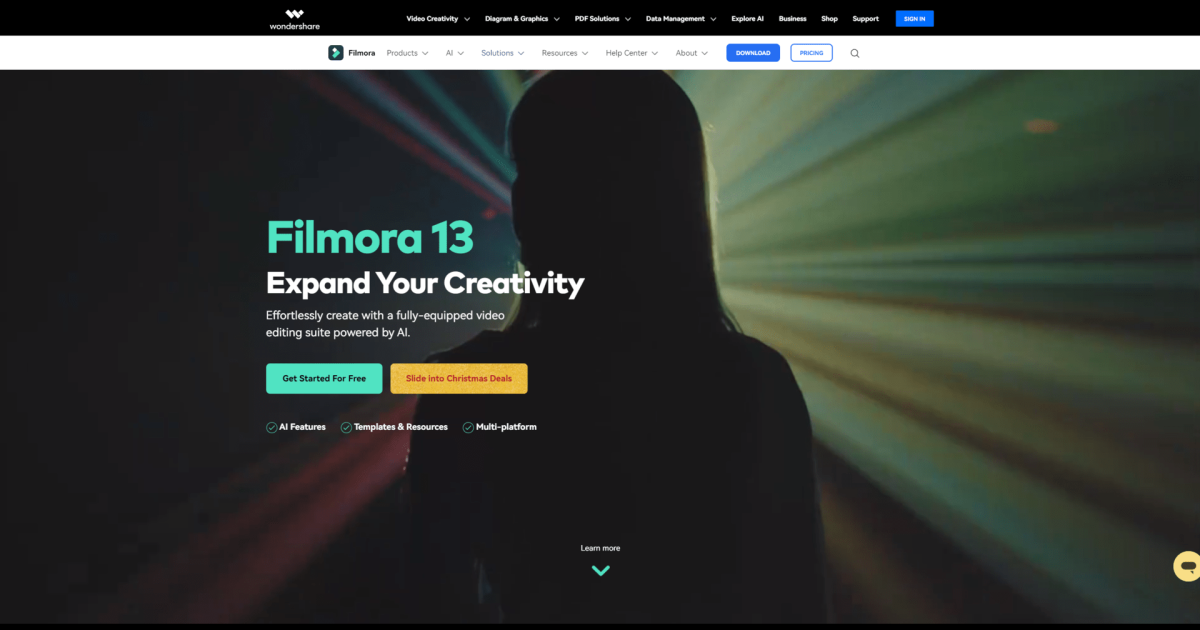
What is Wondershare Filmora AI?
Key features
AI-assisted editing
automatic scene detection, colour grading, and audio balancing to reduce manual adjustment time
Caption generation
automatic transcription and subtitle creation with style customisation options
Background removal and replacement
isolate subjects without green screen using AI detection
Effects and transitions library
access to built-in filters, overlays, and transition effects
Multi-track timeline
layer video, audio, and text on a straightforward editing interface
Export flexibility
save in multiple formats and resolutions suitable for different platforms
Pros & cons
Advantages
- Free version available with no watermark on exports, making it accessible for casual creators
- AI tools reduce the learning curve for common editing tasks like captioning and colour correction
- Works across desktop and mobile, so you can edit on the go without losing your project
- Intuitive interface means you can start editing within minutes rather than hours of tutorials
Limitations
- Free tier is limited in scope; advanced features and a larger asset library require paid subscription
- AI features sometimes require internet connection and may produce variable quality depending on source material
- Performance can be slower on older computers compared to lighter editing software
Use cases
Creating short-form content for social media platforms like TikTok, Instagram Reels, and YouTube Shorts
Adding captions and subtitles to existing footage without manual timing
Quick editing and colour correction for vlogs or personal video projects
Learning video editing fundamentals before investing in professional software
Producing simple promotional videos or product demos for small businesses
Ready to try Wondershare Filmora AI?
Pricing
Free
Free
Basic editing tools, limited effects library, no watermark on exports, access to core AI features with usage limits
Filmora Plus
Subscription required (exact pricing varies by region and subscription length)
Full effects and music library, unlimited AI feature usage, priority support, cloud storage for projects
Get started with Wondershare Filmora AI
Click through to Wondershare Filmora AI and start using it now.
- Always free
- No credit card