WorkPPT
WorkPPT: Turn Ideas into Polished Slides in Seconds!
- Free plan available
- No credit card
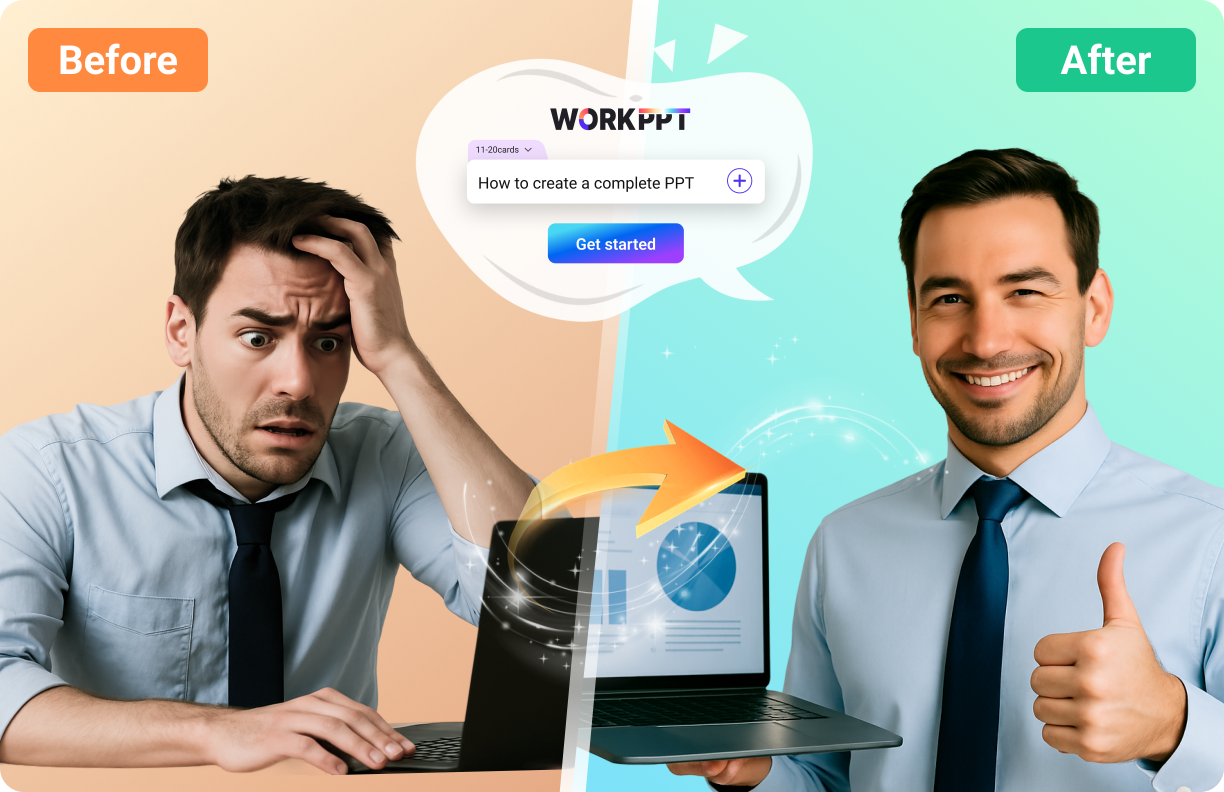
What is WorkPPT?
Key features
AI-assisted slide generation from text input or prompts
Automatic formatting and layout application to slides
Template-based design system for consistent appearance
Quick editing tools to customise generated content
Export options for common presentation formats
Pros & cons
Advantages
- Saves time by automating the layout and formatting process
- Free tier available for trying the tool without payment
- Good for users who struggle with design or need rapid turnaround
- Reduces the gap between having an idea and producing a presentable slide deck
Limitations
- AI-generated content may require fact-checking and refinement
- Limited creative control compared to manual design tools
- Quality depends on how well you structure your input text or prompts
Use cases
Creating internal business presentations from meeting notes or outlines
Building pitch decks quickly for investor meetings or client pitches
Producing training materials or educational slides on short notice
Converting written reports or articles into visual slide format
Generating templates for recurring presentation types
Ready to try WorkPPT?
Pricing
Premium
Varies by plan
Higher usage limits, advanced templates, priority support, additional export formats
Get started with WorkPPT
Click through to WorkPPT and start using it now.
- Free plan available
- No credit card