
WP Security Ninja
Protect your WordPress site from cyber attacks with one powerful security plugin
- Paid
- Web
- Other
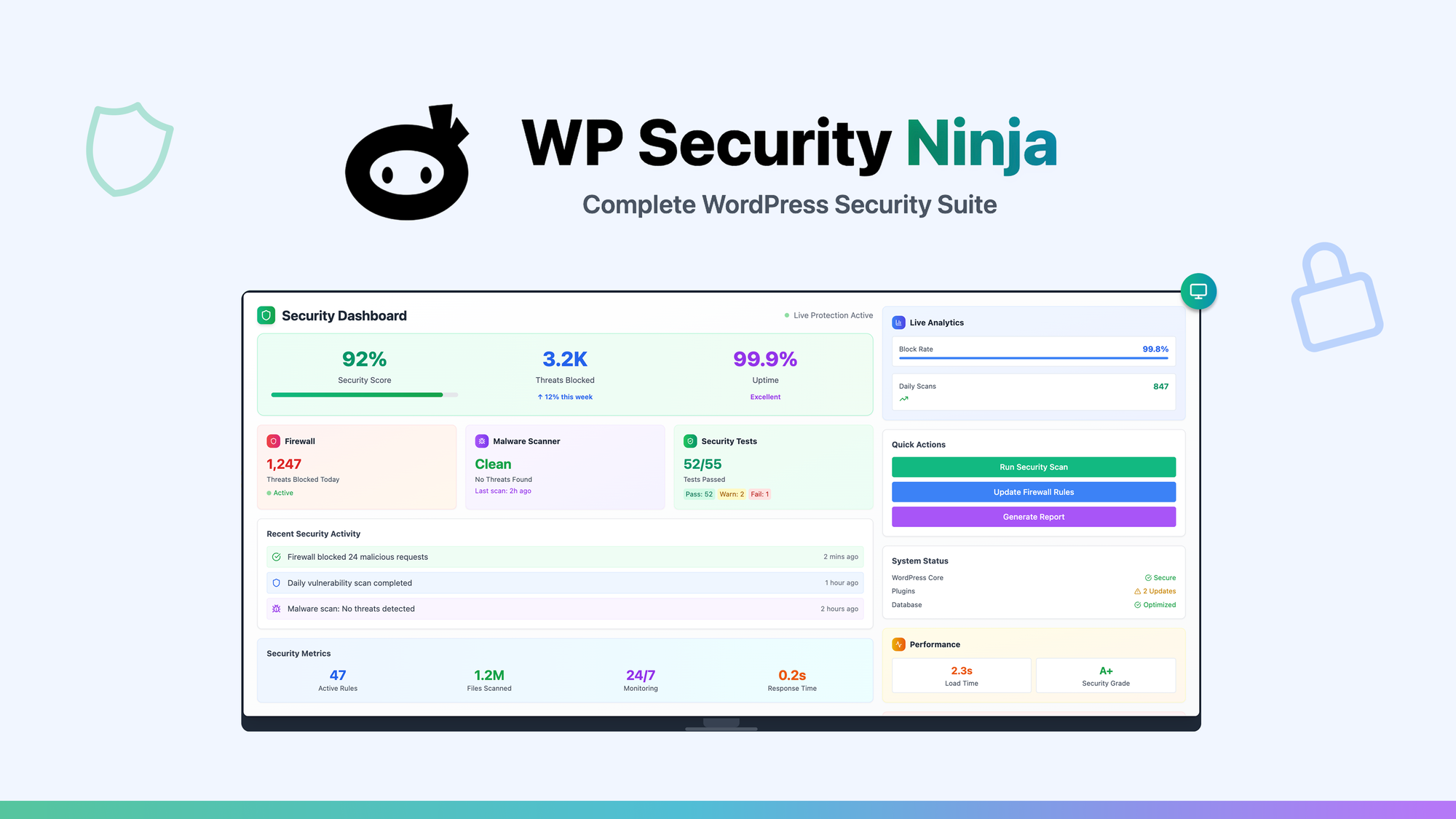
What is WP Security Ninja?
Key features
Malware scanning and removal
automated detection and cleaning of malicious code and infected files
Brute force protection
blocks repeated failed login attempts to prevent unauthorised access
File integrity monitoring
tracks changes to WordPress core files and alerts you to modifications
Security firewall
filters malicious traffic and blocks known attack patterns
Backup functionality
creates automated backups to restore your site if compromised
Activity logging
records user actions and login attempts for security auditing
Pros & cons
Advantages
- Straightforward setup with minimal configuration needed; suitable for non-technical users
- Automated scanning runs in the background without slowing down your site significantly
- Includes both prevention and recovery tools in one plugin rather than requiring multiple tools
- Active threat database receives regular updates to address emerging vulnerabilities
Limitations
- Like most security plugins, frequent scans and logging can impact site performance on slower hosting
- Premium features may be necessary for advanced customisation or larger WordPress installations
Use cases
Small business websites needing reliable security without hiring dedicated IT staff
Blogger or freelancer sites vulnerable to automated attacks and spam
WordPress sites handling customer data or payments that require security compliance
Site owners wanting automated protection after experiencing a previous breach
Multi-site WordPress networks needing centralised security monitoring
Ready to try WP Security Ninja?
Pricing
Paid Plans
Pricing varies by vendor and plan level
Exact pricing and tier details available through AppSumo or the vendor's website; typically includes different levels based on site count and feature access
Get started with WP Security Ninja
Click through to WP Security Ninja and start using it now.