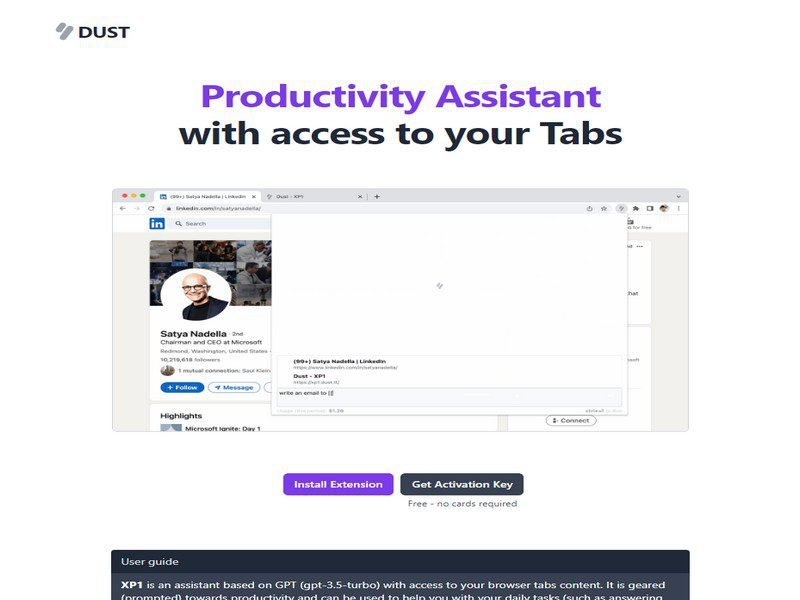
XP1 screenshot

What is XP1?

XP1 is an all-in-one platform designed to centralise processes, tasks, projects, and customer relationships in a single workspace. It combines process automation, task management, and project tracking to help teams reduce manual work and stay organised. The tool is built for small to medium-sized teams that want to consolidate their workflows without switching between multiple applications. With XP1, you can automate routine processes, assign and monitor tasks with clear deadlines, track projects from initiation to completion, and maintain a structured view of your customer interactions. By bringing these functions together, the platform reduces friction in how teams collaborate and makes it easier to scale operations as your business grows. The freemium pricing model means you can evaluate the core functionality at no cost, then upgrade to access more advanced features as your needs expand. This makes it accessible for teams just starting out with workflow automation or customer management.

Key Features

Process automation

Set up workflows to handle repetitive tasks automatically, reducing manual effort

Task management

Create, assign, and track tasks with due dates and priority levels

Project tracking

Monitor project progress, milestones, and deliverables in one view

Customer relationship management

Store and track customer information, interactions, and history

Workflow customisation

Build custom processes that match your team's specific needs

Team collaboration

Share work, leave updates, and communicate without leaving the platform

Pros & Cons

Advantages

  • Consolidates multiple functions into one tool, reducing the need for separate subscriptions
  • Frees up time by automating manual and repetitive work
  • Freemium model lets you start without upfront investment and scale as you grow
  • Centralised customer data improves relationship visibility and follow-up
  • Flexible workflows adapt to your specific business processes rather than forcing rigid structures

Limitations

  • Initial setup and configuration takes time to align workflows with your team's practices
  • Free tier may have limitations that require upgrading for larger teams or complex workflows
  • Migrating data from existing tools can require manual effort depending on your current setup
  • May need additional integrations to connect with other systems your team relies on

Use Cases

Small teams consolidating customer tracking, project management, and process automation in one place

Sales teams managing customer pipelines and follow-up tasks

Service organisations coordinating project delivery and customer requests

Any team needing to automate approval processes, onboarding, or administrative tasks