
Zoom AI Companion AI
simplify meetings with AI summaries, chat assistance, and multilingual support.
- Free
- Web, macOS, Windows, iOS, Android
- Customer SupportIDEs & Editor ExtensionsAI Roleplay Apps
- Always free
- No credit card
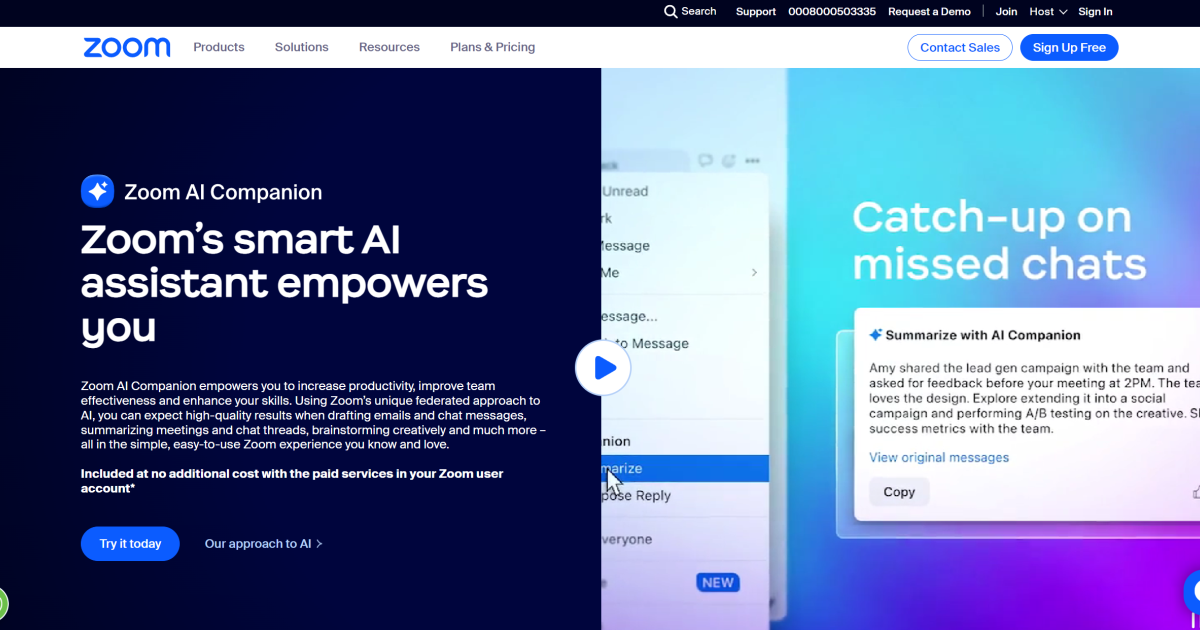
What is Zoom AI Companion AI?
Key features
Meeting summaries
automatically generates written summaries of key discussion points, decisions, and action items after meetings conclude
Chat assistance
helps compose and refine messages within Zoom chat during meetings
Multilingual support
translates and assists with communication in multiple languages during calls
Integration with Zoom
works natively within Zoom's interface without requiring separate tools or logins
Participant access
meeting participants can use AI features during active meetings
Pros & cons
Advantages
- Free to use for existing Zoom customers; no additional subscription required
- Saves time on manual note-taking and meeting documentation
- Helps teams communicate across language barriers within a single platform
- No setup friction; available directly within Zoom rather than as a separate tool
Limitations
- Only works within Zoom meetings; cannot summarise or assist with content from other video conferencing platforms
- Quality and accuracy of summaries may vary depending on meeting audio clarity and speaking pace
- Requires Zoom account; not available as a standalone tool for other purposes
Use cases
Recording key decisions and action items from team meetings without assigning someone to take detailed notes
Helping non-native speakers participate more confidently in multilingual team calls
Quickly reviewing what was discussed in a meeting you joined late or need to catch up on
Drafting responses during meetings when English is not your first language
Creating meeting records for compliance or documentation purposes
Ready to try Zoom AI Companion AI?
Pricing
Get started with Zoom AI Companion AI
Click through to Zoom AI Companion AI and start using it now.
- Always free
- No credit card